Malwarebytes Review 2026: Features, Pricing, Pros & Cons
Quick Answer: Malwarebytes is a solid, lightweight antivirus and anti-malware tool that excels at catching threats traditional antivirus software misses. It’s a strong pick for home users who want real-world protection without a steep learning curve. It’s not a complete security suite, but for what it does, it does it well.
Key Takeaways
- Malwarebytes Free offers on-demand scanning but no real-time protection. Good for cleanup, not prevention.
- Paid plans (Standard, Plus and Ultimate) add real-time protection from ransomware and exploits, plus safe browsing with a scam and ad blocker. Plus adds a VPN, and Ultimate adds identity protection.
- System performance impact is low. Most users won’t notice it running in the background.
- Pricing is competitive, but the free tier is limited enough that most users will need to upgrade.
- It works on PC, Mac, Android and iOS, but exact features vary by operating system.
- Works well as a second-opinion scanner alongside another antivirus, but can also run as your primary protection.
- Bottom line: Malwarebytes earns its place as a trusted first line of defense for most home users.
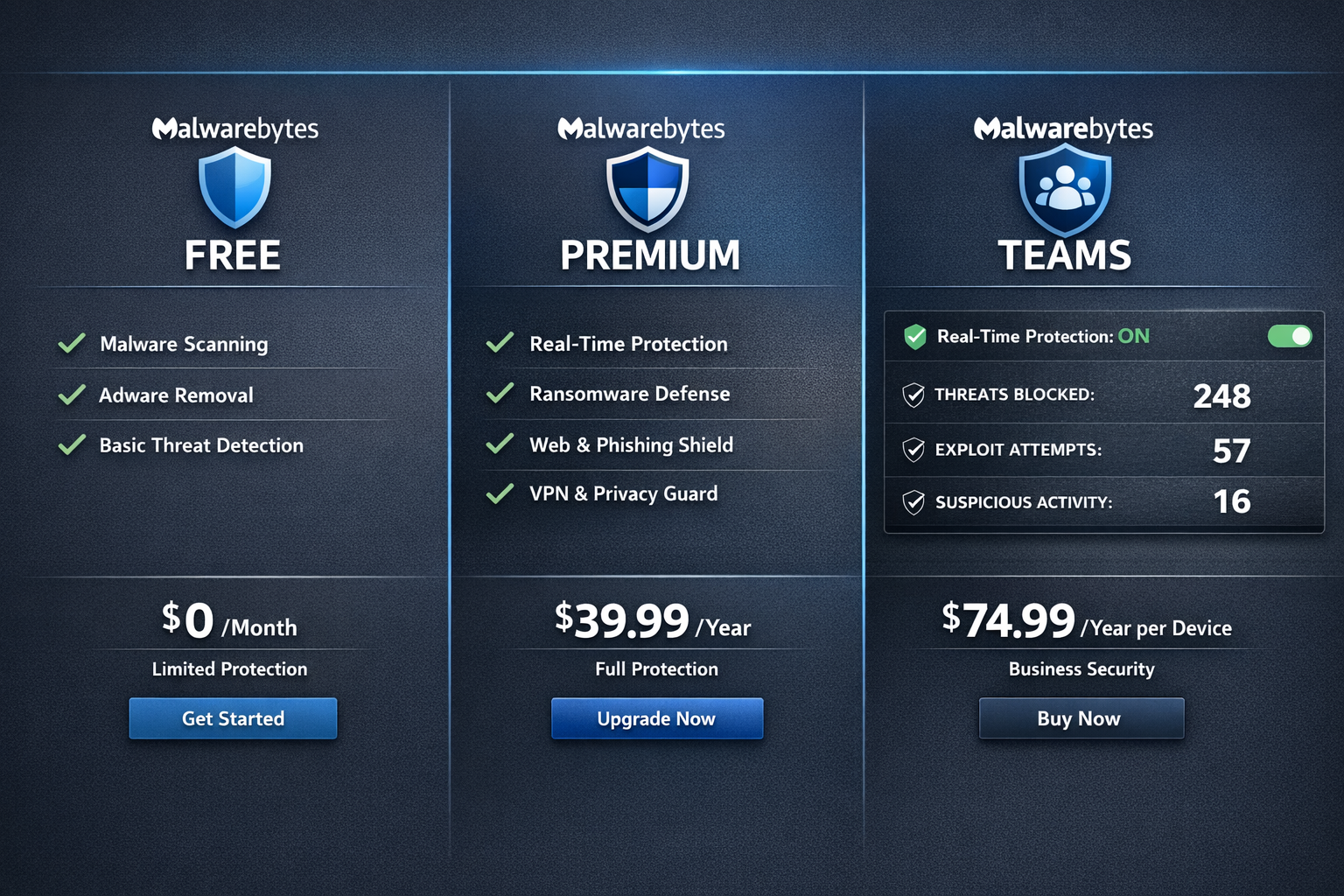
What Is Malwarebytes and Who Is It For?
Malwarebytes is an anti-malware and antivirus platform built to catch threats that traditional signature-based tools often miss, including adware, spyware, ransomware, and zero-day exploits. It is based in Santa Clara, California.
The target audience is broad but specific in its needs:
- Home users who want simple, set-it-and-forget-it protection
- People who want a second-opinion scanner that runs alongside the antivirus they already use
- Non-technical buyers who need plain-language security that just works
For everyone else, this Malwarebytes review will tell you exactly what you’re getting.
Malwarebytes Review: Plans, Pricing, and What You Actually Get

Malwarebytes sells a free scanner and three paid plans. Here are the list prices shown on Malwarebytes’ pricing page on November 8, 2026 (first-year discounts are often available):
| Plan | List price | Real-Time Protection | Devices | Best For |
|---|---|---|---|---|
| Free | $0 | No (on-demand scans) | – | Manual cleanup scans |
| Standard | $44.99/year (1 device) or $59.99/year (3 devices) | Yes | 1 or 3 | Home users |
| Plus | $79.99/year | Yes + VPN | 3 | Privacy-focused users |
| Ultimate | $279.99/year | Yes + VPN + identity protection | 1 adult, 3 devices | Users who want identity monitoring too |
My take on pricing: The free version is genuinely useful for running a one-time cleanup scan after you suspect an infection. But as ongoing protection, it’s not enough. You need real-time blocking, and that means upgrading to a paid plan.
Every paid plan comes with a 60-day money-back guarantee, and Malwarebytes offers a 14-day free trial of its premium protection with no credit card needed.
One honest caveat: Malwarebytes sells its business security platform under the ThreatDown name. The home products are still called Malwarebytes, so make sure you’re on the right site when you shop.
How Does Malwarebytes Perform in Independent Testing?
Independent labs such as AV-TEST and AV-Comparatives test antivirus products regularly, and scores change from one round to the next. Check the labs’ latest reports for current Malwarebytes results before you compare it with other tools.
If you want to see how it stacks up directly against a top-rated competitor, read our Malwarebytes vs Bitdefender comparison.
Malwarebytes Review: Core Features Breakdown
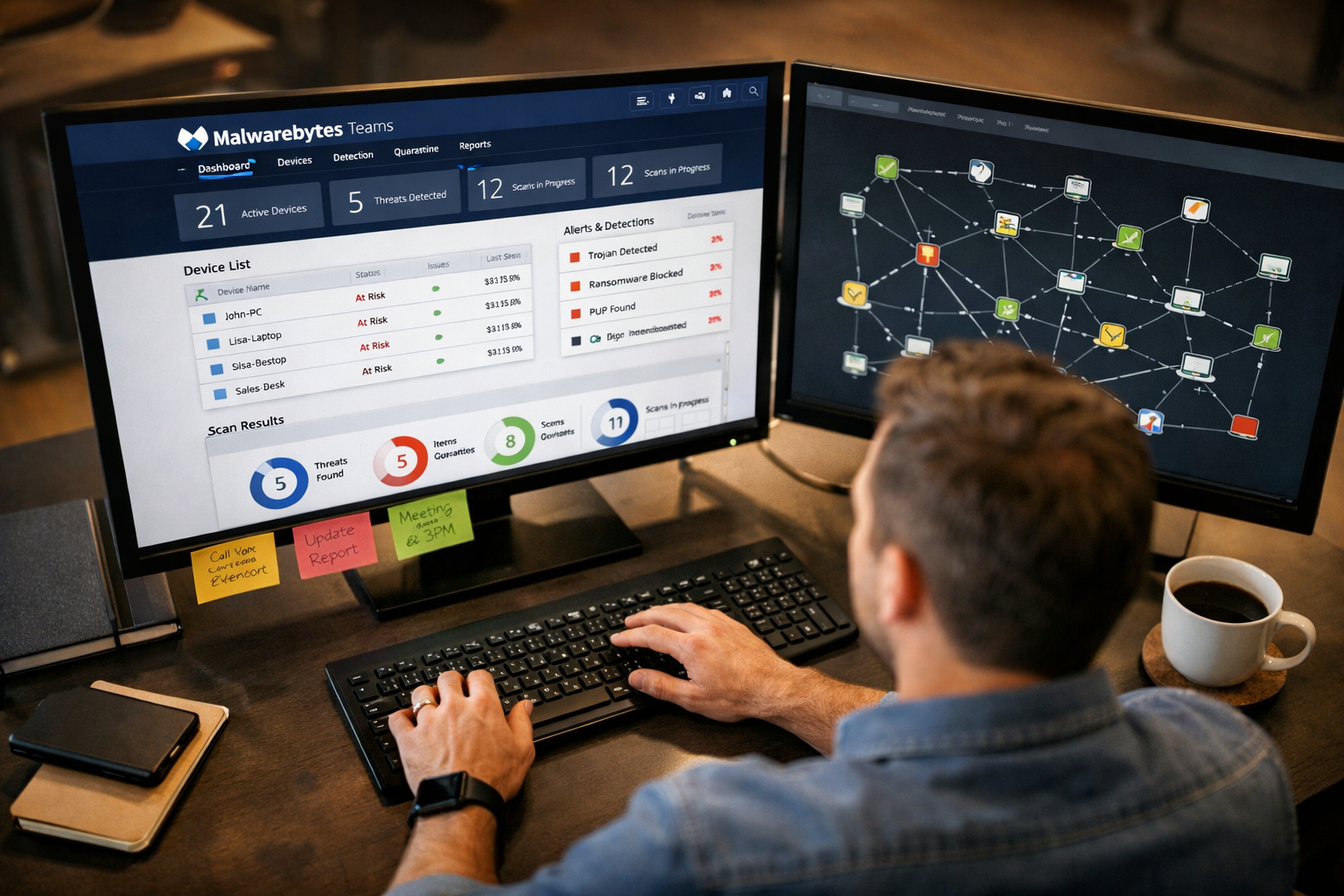
Here’s what you’re actually getting with a paid Malwarebytes plan:
Real-Time Protection
Malwarebytes monitors running processes, file downloads, and web traffic continuously. It uses a combination of signature-based detection and behavior analysis to catch threats before they execute.
Web Protection and Browser Guard
The browser extension (available separately for free) blocks malicious URLs, phishing pages, and ad-based malware delivery. This is one of the most underrated features. Phishing is still one of the top attack vectors for small businesses, and having a layer that blocks the delivery mechanism matters. For more on this threat, see our guide on how to stop phishing emails.
Ransomware Protection
Malwarebytes uses behavioral monitoring to detect ransomware-like activity, specifically mass file encryption. If a process starts encrypting files at an unusual rate, Malwarebytes kills it and quarantines it. This is not foolproof, but it adds a meaningful layer of defense. For more on prevention strategies, our guide on how to prevent ransomware is worth reading alongside this review.
Exploit Protection
This feature targets vulnerabilities in browsers and commonly exploited applications like Adobe Reader and Microsoft Office. It monitors memory behavior to catch exploits before they drop a payload. This is a feature most basic antivirus tools skip entirely.
What Are the Weaknesses of Malwarebytes?
No product is perfect. Here’s what I’d flag as real limitations, not just nitpicks:
1. No email scanning. Malwarebytes doesn’t scan incoming email attachments. Be careful with attachments, and keep your email provider’s own spam and malware filtering turned on.
2. Features vary by device. Malwarebytes runs on PC, Mac, Android and iOS, but the company notes that exact features vary by operating system. Check what’s included for your device before you buy.
3. Free version creates false confidence. The free tier is useful for cleanup scans, but it provides zero real-time protection. Users who install the free version and think they’re protected are at risk. Malwarebytes should make this clearer during the install process.
4. No built-in firewall. Malwarebytes relies on Windows Firewall. This is fine for most users, but it’s worth knowing if you’re comparing it to full internet security suites.
Malwarebytes vs. The Competition: How Does It Stack Up?
Here’s a quick comparison against the most common alternatives:
| Feature | Malwarebytes | Bitdefender | Norton | Windows Defender |
|---|---|---|---|---|
| Real-time protection | Yes (paid plans) | Yes | Yes | Yes (free) |
| Ransomware protection | Yes | Yes | Yes | Limited |
| Email scanning | No | Yes | Yes | No |
| VPN included | Yes (Plus and Ultimate plans) | Add-on | Yes (some plans) | No |
| System performance impact | Very low | Low | Medium | Low |
Our take: Bitdefender and Norton are fuller security suites. If you want a lightweight tool that’s easy to use and good at catching threats that slip past other tools, Malwarebytes holds its own. Compare current lab results and prices before you decide.
For a direct head-to-head, see our Malwarebytes vs Norton comparison.
Is Malwarebytes Safe to Use? Privacy and Data Practices
This is a fair question and one I take seriously. Here’s what I found:
Malwarebytes collects telemetry data including threat detection events, scan results, and product usage statistics. This data is used to improve detection capabilities. You can opt out of telemetry in the settings, which is a good sign that they respect user choice.
Malwarebytes is based in Santa Clara, California, and is subject to US data laws, including potential government data requests. If privacy is a top concern, especially for European users under GDPR, review their privacy policy directly and consider whether US-based vendors fit your requirements.
If you’re pairing Malwarebytes with a VPN for added privacy, our best VPN guide covers the top options worth considering.
Malwarebytes Review: Our Verdict
The interface is clean and non-intimidating. A non-technical user can install it, run a scan, and understand the results without reading a manual.
Rating: 4.1 out of 5
It’s not the most feature-rich suite on the market, but it’s lightweight, easy to use and effective at its core job. That combination is harder to find than it sounds.
Frequently Asked Questions
Is Malwarebytes Free good enough for basic protection?
No. The free version only scans on demand. It won’t block threats in real time. For real-time protection, you need a paid plan (Standard, Plus or Ultimate). The free version is useful for a one-time cleanup scan, nothing more.
Can I run Malwarebytes alongside another antivirus?
Yes. Malwarebytes is designed to run alongside other antivirus tools as a second-opinion scanner. It’s one of the few anti-malware tools that doesn’t conflict with Windows Defender or other major antivirus products.
Does Malwarebytes slow down my computer?
It’s designed to be lightweight. For measured performance impact, check the latest results from independent labs such as AV-TEST.
Is Malwarebytes good for Mac?
Yes, Malwarebytes runs on Mac, but exact features vary by operating system, so check what’s included for macOS before you buy.
What is the difference between Malwarebytes and ThreatDown?
ThreatDown is the business security platform from the makers of Malwarebytes. Home products are still sold as Malwarebytes.
Does Malwarebytes include a VPN?
Not in the Standard plan. The Plus and Ultimate plans include Malwarebytes Privacy VPN. For a dedicated VPN, check our Mullvad review or NordVPN review.
How much does Malwarebytes cost?
On November 8, 2026, Malwarebytes listed Standard at $44.99 a year for 1 device or $59.99 for 3 devices, Plus at $79.99 a year and Ultimate at $279.99 a year, with first-year discounts often available. All paid plans have a 60-day money-back guarantee.
Is Malwarebytes worth it in 2026?
Yes, for most home users. It’s not the absolute best in every category, but it’s reliable and lightweight, and real-time protection is worth the upgrade from free.
Does Malwarebytes protect against phishing?
The Browser Guard extension blocks known phishing URLs. It’s a useful layer, but it’s not a replacement for email security tools. For more on phishing threats, see our guide on what is phishing.
What does Malwarebytes not protect against?
It doesn’t scan email attachments, doesn’t include a firewall, and has limited protection on non-Windows platforms.
Conclusion: Should You Buy Malwarebytes in 2026?
Malwarebytes earns a clear recommendation for home users who want real-world protection without complexity. It’s not the flashiest product, and it won’t win every lab test category. But it does its core job well, runs quietly in the background, and won’t frustrate non-technical users.
Here’s the action plan:
If you’re a home user: Start with the free version to run a cleanup scan. If it finds anything, or if you want ongoing protection, upgrade to a paid plan. Standard for one device lists at $44.99 a year (as of November 8, 2026).
If you’re evaluating it against competitors: Read our Malwarebytes vs Bitdefender comparison before deciding. Check the latest independent lab results for both before you buy.
Security that actually works doesn’t have to be complicated. Malwarebytes proves that point consistently. For most readers of this review, it’s a tool worth having.
Interactive Tool: Malwarebytes Plan Selector
Use the tool below to find the right Malwarebytes plan for your situation:
🛡️ Find Your Malwarebytes Plan
Answer 3 quick questions to get a no-nonsense recommendation.
References
- AV-TEST Institute. (2024). Malwarebytes Internet Security for Windows — Test Results. https://www.av-test.org/en/antivirus/home-windows/manufacturer/malwarebytes/
- AV-Comparatives. (2024). Real-World Protection Test — Consumer Products. https://www.av-comparatives.org/tests/real-world-protection-test-2024/
- Malwarebytes. (2025). ThreatDown Business Product Overview. https://www.threatdown.com/
- Malwarebytes. (2024). Privacy Policy. https://www.malwarebytes.com/privacy