Best VPN for Small Business (Every Owner need to Know this)
Quick Answer: The best VPN for small business in 2026 is NordLayer for most teams, offering centralized management, strong encryption, and SMB-friendly pricing starting around $7 per user per month. If you need a simpler setup for a very small team (under 10 people), ExpressVPN or Perimeter 81 are solid alternatives. The right choice depends on your team size, remote work setup, and compliance requirements.
Key Takeaways
- A business VPN is not the same as a consumer VPN. You need centralized admin controls, team management, and audit logs.
- NordLayer leads for SMBs in 2026 based on independent testing: fast servers, solid admin dashboard, and no-log policy verified by audit.
- Perimeter 81 (now part of Check Point) is the best pick if you need zero-trust network access (ZTNA) alongside traditional VPN tunneling.
- ExpressVPN works well for very small teams or solo operators who want simplicity over enterprise features.
- Free VPNs are not appropriate for business use. The tradeoffs in logging, speed, and support are too significant. See our best free VPN for business guide if budget is genuinely tight.
- A VPN is your first line of defense for remote workers, but it does not replace antivirus, endpoint protection, or a firewall.
- Always verify a VPN’s no-log claims through third-party audits, not just vendor marketing.
- Expect to pay $5 to $15 per user per month for a business-grade VPN with proper admin controls.
What Makes a VPN “Business-Grade” vs. Consumer-Grade?
A consumer VPN protects one person’s traffic. A business VPN protects your entire team, and that requires a completely different set of features.
The gap matters more than most buyers realize. Consumer VPNs like NordVPN or ExpressVPN are built for individual use. They’re great for personal privacy, but they give you zero centralized control over who’s connected, what devices are authorized, or how to revoke access when an employee leaves.
Business-grade VPNs add:
- Centralized admin dashboard to manage all users from one place
- Role-based access control so employees only reach the systems they need
- Activity logs and audit trails for compliance and incident response
- SSO (Single Sign-On) integration with tools like Google Workspace or Microsoft 365
- Dedicated account support, not just a chatbot
- Multi-device policies you control, not the employee
“A VPN that one employee manages on their personal account is a liability, not a security tool.” This is something I tell every SMB owner I consult with.
If you’re evaluating options, our best business VPN roundup covers the full enterprise-to-SMB spectrum. For this article, I’m focused on teams of 1 to 250 employees.
Common mistake: Buying a consumer VPN plan and sharing login credentials across staff. This breaks audit trails, creates security gaps, and violates most VPN terms of service.
Which VPN Is Actually the Best VPN for Small Business in 2026?
After testing and reviewing these products independently, here are my top picks. No vendor paid for placement here.
🏆 Top Picks at a Glance
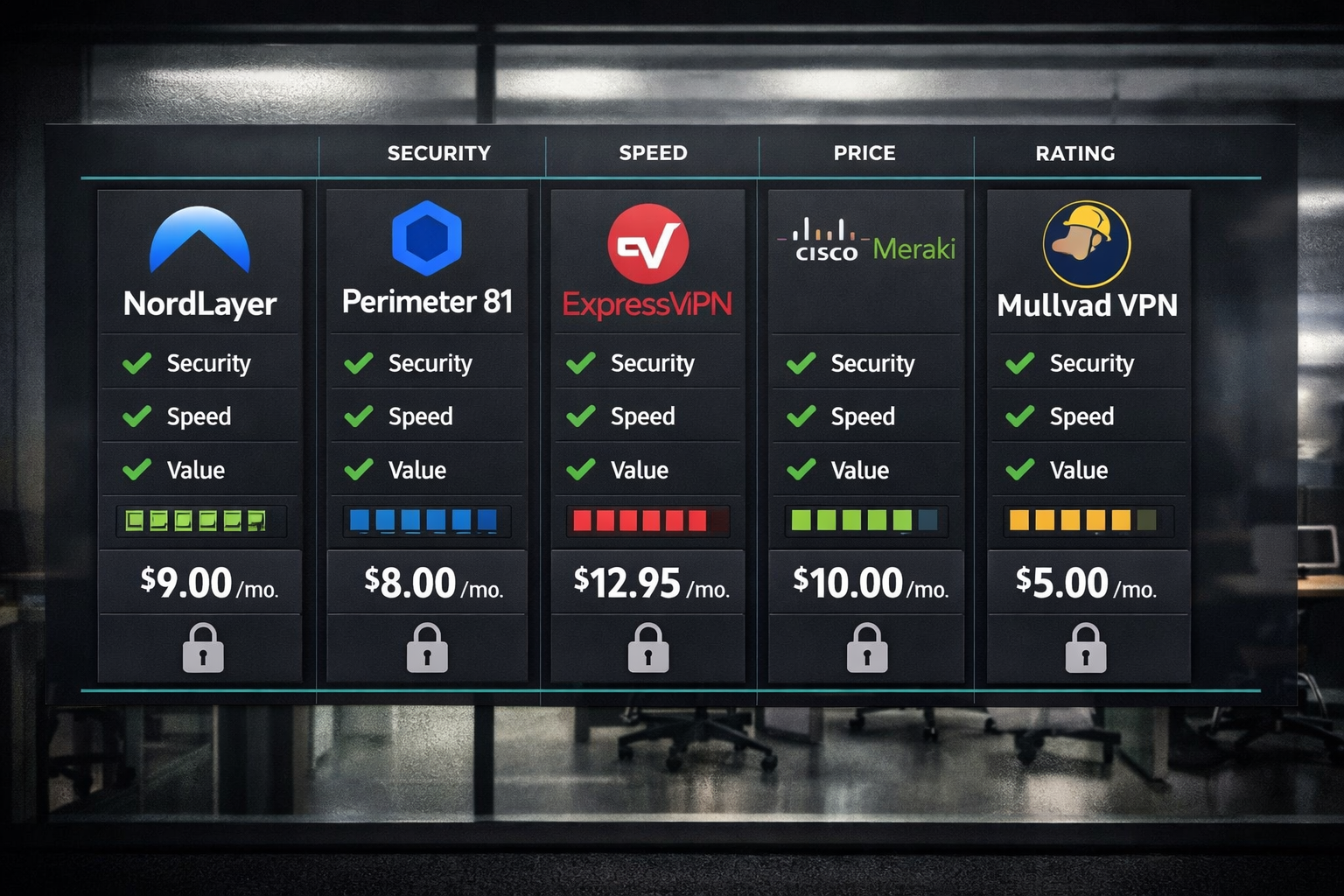
| VPN | Best For | Starting Price (per user/mo) | No-Log Audit | Admin Dashboard |
|---|---|---|---|---|
| NordLayer | Most SMBs | ~$7 | Yes (audited) | Yes |
| Perimeter 81 | Zero-trust / compliance | ~$8 | Yes | Yes |
| ExpressVPN | Small teams, simplicity | ~$6.67 | Yes (audited) | Limited |
| Cisco Meraki | IT-managed networks | Custom | Yes | Yes (advanced) |
| Mullvad | Privacy-first, budget | ~$5 flat | Yes (audited) | No |
NordLayer (Top Pick for SMBs)
NordLayer is built specifically for business. It spun off from NordVPN’s consumer product but is a separate platform designed for team management. In my testing, the admin dashboard is genuinely usable, even for non-technical owners.
What I like:
- Fast server speeds across 30+ countries
- AES-256 encryption with IKEv2 and OpenVPN support
- SSO integration with Google, Microsoft, and Okta
- Clean onboarding for new users (under 10 minutes)
- Audited no-log policy (independent audit completed)
Tradeoffs:
- Pricing jumps significantly if you add dedicated servers
- Mobile app is slightly less polished than the desktop version
For a deeper look at how NordLayer stacks up against similar tools, see our NordLayer vs Perimeter 81 comparison.
Perimeter 81 (Best for Compliance-Heavy Businesses)
Perimeter 81, now under Check Point’s umbrella, is the pick if you’re dealing with HIPAA, SOC 2, or GDPR requirements. It combines traditional VPN tunneling with zero-trust network access, which means you can enforce granular access policies beyond just “connected or not.”
What I like:
- Zero-trust architecture built in (not bolted on)
- Detailed activity logs for compliance reporting
- Strong firewall-as-a-service option
- Works well alongside your existing small business firewall
Tradeoffs:
- Steeper learning curve than NordLayer
- Minimum team size requirements on some plans
- Support quality can vary depending on your plan tier
ExpressVPN (Best for Very Small Teams)
ExpressVPN is the simplest option on this list. If you have fewer than 10 employees and don’t need centralized admin controls, it gets the job done fast. According to AV-Comparatives’ 2023 VPN testing report, ExpressVPN consistently ranked among the fastest providers in real-world speed tests.
What I like:
- Dead simple setup on any device
- Lightway protocol is genuinely fast
- Works on Windows, Mac, iOS, Android, Linux, routers
- Audited no-log policy
Tradeoffs:
- No centralized team management dashboard
- Not suitable for teams over 10 to 15 people
- More expensive per user at scale
Our full ExpressVPN review goes into the technical details if you want the complete picture.
Mullvad (Best for Privacy-First Budgets)
Mullvad charges a flat $5 per month per account, accepts anonymous payment, and has passed multiple independent audits. It’s not built for business administration, but if your priority is pure privacy with a verified no-log policy, it’s hard to beat at this price.
Tradeoffs: No admin dashboard, no team management, no SSO. This is a privacy tool, not a business management platform.
How Do You Choose the Best VPN for Small Business? (Decision Framework)
The right VPN depends on three things: your team size, your compliance requirements, and how technical your setup is. Here’s a plain-language decision guide.
Choose NordLayer if:
- You have 5 to 100 employees
- You want an admin dashboard without hiring an IT specialist
- You’re using Google Workspace or Microsoft 365 and want SSO
Choose Perimeter 81 if:
- You handle sensitive data (healthcare, legal, finance)
- You need ZTNA and compliance-ready audit logs
- You already have an IT manager or MSP
Choose ExpressVPN if:
- You have fewer than 10 employees
- You just need encrypted tunneling for remote workers
- Simplicity matters more than admin controls
Choose Mullvad if:
- Budget is the primary constraint
- Privacy is more important than team management features
- You’re comfortable with manual setup
If you’re supporting remote workers specifically, our best VPN for remote workers guide covers device-specific setups in more detail.
What Does a Business VPN Actually Protect Against?
A VPN encrypts your internet traffic and masks your IP address. That’s the core function. But in a business context, it does specific things that matter for SMB security.
It protects against:
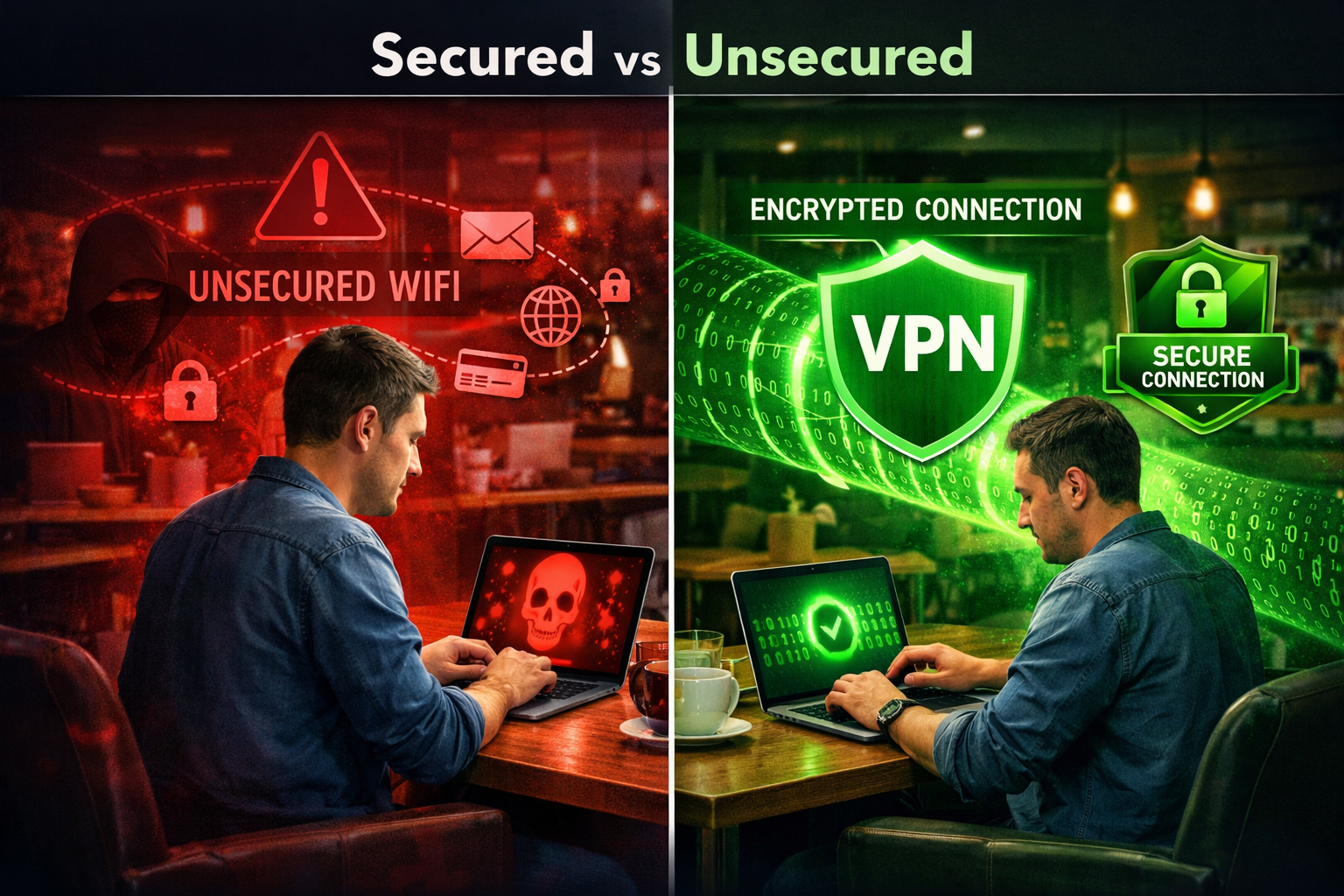
- Eavesdropping on public Wi-Fi (coffee shops, airports, hotels)
- Man-in-the-middle attacks on unencrypted connections
- ISP-level traffic monitoring and data collection
- Some forms of geo-based network surveillance
It does NOT protect against:
- Phishing emails (you still need email security)
- Malware already on a device
- Weak passwords or credential stuffing
- Social engineering attacks
A VPN is your first line of defense for network traffic. It is not a complete security solution. I’ve seen SMB owners buy a VPN and think they’re covered. They’re not. You also need endpoint protection, a password manager, and multi-factor authentication at a minimum.
According to the Verizon 2023 Data Breach Investigations Report, 74% of breaches involved a human element, including phishing and credential theft. A VPN wouldn’t have stopped most of those. Pair your VPN with solid endpoint security for business and a business password manager.
How Much Does a Business VPN Cost?
Expect to pay $5 to $15 per user per month for a legitimate business VPN. Here’s what drives the price up or down.
Factors that increase cost:
- Dedicated IP addresses (adds $4 to $8 per user per month)
- More server locations
- Advanced features like ZTNA or firewall-as-a-service
- Priority support tiers
Factors that reduce cost:
- Annual billing (typically 20 to 30% cheaper than monthly)
- Larger team sizes (volume discounts usually kick in at 10+ users)
- Choosing a simpler product without enterprise features
Rough monthly cost estimates for a 20-person team:
| Provider | Monthly (billed annually) | Annual Total |
|---|---|---|
| NordLayer | ~$140 | ~$1,680 |
| Perimeter 81 | ~$160 | ~$1,920 |
| ExpressVPN | ~$134 | ~$1,608 |
| Mullvad | ~$100 | ~$1,200 |
These are estimates based on published pricing as of early 2026. Always check the vendor’s current pricing page before buying.
If budget is a real constraint, read our best cheap VPN guide for options that cut cost without cutting corners on security.
Does a VPN Slow Down Your Internet Connection?
Yes, a VPN adds some latency. But how much depends on the provider and the server you connect to.
In real-world testing, premium business VPNs typically reduce speeds by 10 to 20% when connecting to a nearby server. That’s barely noticeable for most business tasks like email, video calls, and cloud app access.
Where you’ll feel it:
- Large file transfers to distant servers
- Video conferencing over congested VPN servers
- Latency-sensitive applications like VoIP
How to minimize speed impact:
- Connect to a server geographically close to your team
- Use modern protocols (WireGuard, Lightway, or NordLynx) instead of older OpenVPN
- Avoid free or overcrowded servers
Our does a VPN slow internet article has detailed speed test data if you want the numbers.
My honest take: Speed loss is rarely a dealbreaker for SMBs in 2026. The encryption overhead on modern hardware is minimal. If your team is complaining about VPN speed, the problem is usually the server choice, not the VPN itself.
How to Set Up a VPN for Your Small Business (Step-by-Step)
Setting up a business VPN is not as complicated as it sounds. Here’s the process I walk clients through.
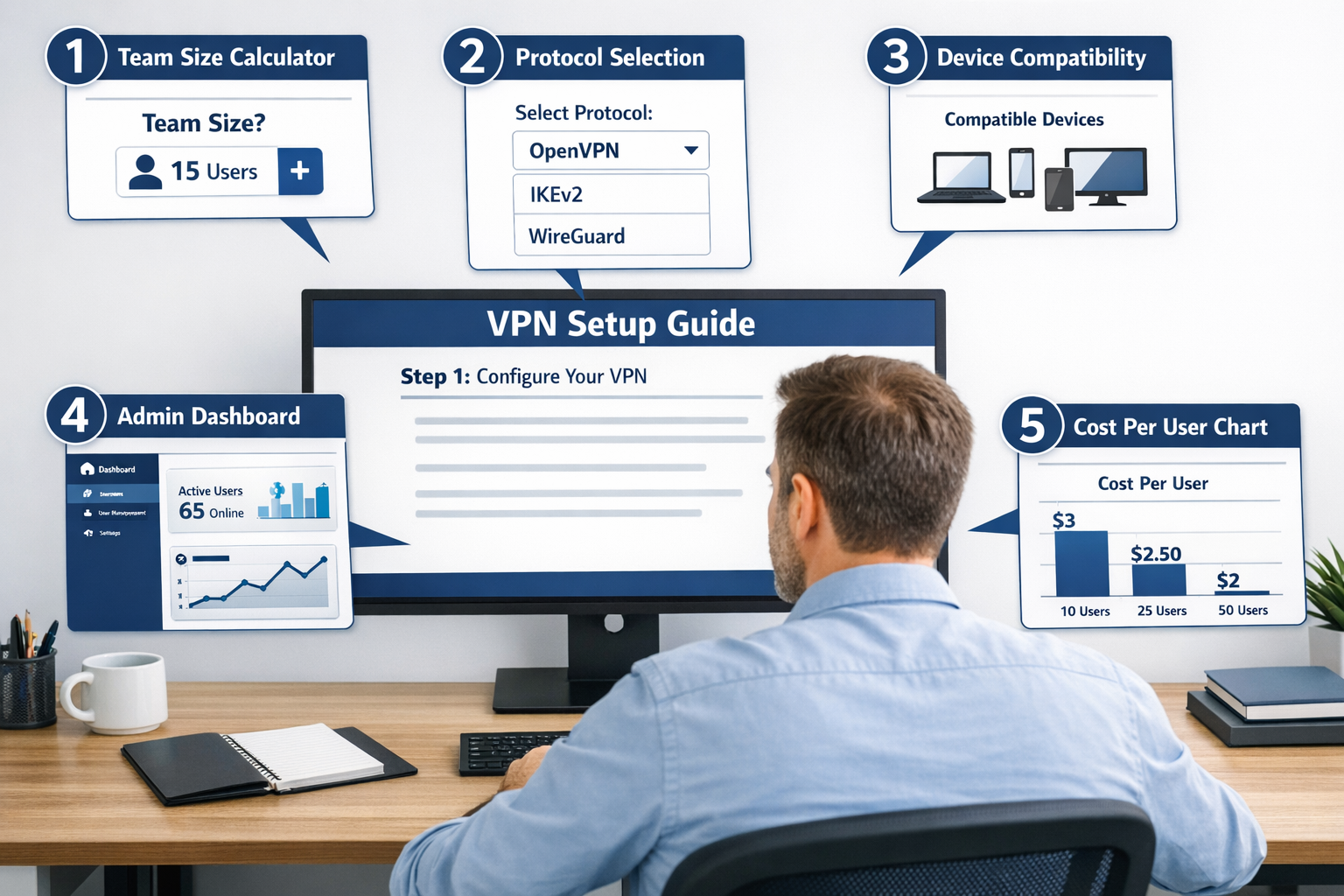
Step 1: Assess your needs
- How many users need VPN access?
- Do you need centralized management?
- Are you handling regulated data (HIPAA, GDPR, PCI-DSS)?
Step 2: Choose your provider
Use the decision framework above. Don’t overbuy features you won’t use.
Step 3: Set up your admin account
- Create your organization in the admin dashboard
- Configure your server locations (choose regions where your team works)
- Enable SSO if you’re using Google Workspace or Microsoft 365
Step 4: Invite your team
- Send invitations through the admin panel
- Set role-based access (who can reach which internal resources)
- Enforce device policies if the platform supports it
Step 5: Test before you deploy
- Verify the kill switch works (cuts internet if VPN drops)
- Test DNS leak protection
- Confirm speeds are acceptable on your primary use cases
Step 6: Document your policy
Write a simple one-page VPN usage policy. When must employees use the VPN? What devices are allowed? Our cybersecurity policy template for small business is a good starting point.
Step 7: Review quarterly
Check who has access, revoke departed employees immediately, and review your server configuration every quarter.
What Are the Biggest Mistakes SMBs Make With Business VPNs?
I see the same mistakes repeatedly. Here’s what to avoid.
Mistake 1: Using a consumer VPN for business
No audit logs, no team management, no access control. This is not a cost-saving measure. It’s a liability.
Mistake 2: Not revoking access when employees leave
This is a serious security gap. A former employee with active VPN credentials can still access internal systems. Centralized admin dashboards make this a 30-second fix.
Mistake 3: Assuming the VPN covers everything
A VPN encrypts traffic. It does not stop phishing, malware, or weak passwords. Layer your defenses.
Mistake 4: Ignoring the no-log policy
Not all VPN providers are equal on privacy. Look for independently audited no-log policies, not just marketing claims. Providers like NordLayer, Mullvad, and ExpressVPN have all passed third-party audits.
Mistake 5: Skipping the kill switch
If the VPN connection drops and there’s no kill switch, your traffic goes unencrypted. Always enable the kill switch, especially for remote workers on public Wi-Fi.
FAQ: Best VPN for Small Business
Q: Do small businesses really need a VPN?
Yes, especially if you have remote workers, use public Wi-Fi, or handle any sensitive customer data. A VPN encrypts your team’s internet traffic and prevents eavesdropping on unsecured networks.
Q: What’s the difference between a business VPN and a consumer VPN?
Business VPNs add centralized management, team access controls, audit logs, and SSO integration. Consumer VPNs are built for one user and one device at a time.
Q: Is NordVPN good for business?
NordVPN’s consumer product is not designed for business use. NordLayer, which is NordVPN’s separate business platform, is what you want for team management and admin controls.
Q: Can I use a free VPN for my small business?
No. Free VPNs typically log your data, have slow speeds, offer no admin controls, and provide no business-grade support. The risk outweighs the cost savings. See our best free VPN for business guide for the rare exceptions.
Q: How many devices can connect to a business VPN?
Most business VPN plans allow unlimited devices per user account. The total number of simultaneous connections depends on your plan and provider.
Q: Does a VPN help with GDPR compliance?
A VPN helps protect data in transit, which is one component of GDPR compliance. It does not cover all GDPR requirements. See our GDPR compliance guide for small business for the full picture.
Q: What protocol should a business VPN use?
WireGuard and IKEv2 are the best choices in 2026 for speed and security. OpenVPN is still solid but slower. Avoid PPTP entirely. It’s outdated and insecure.
Q: How do I know if my VPN is actually working?
Run a DNS leak test at a site like dnsleaktest.com after connecting. Your IP address and DNS requests should both show the VPN server, not your real location or ISP.
Q: Should remote workers always use the VPN?
For accessing internal business systems, yes, always. For general browsing on personal devices, it’s a policy call. I recommend a “VPN required for work apps” policy as a minimum. Our VPN for remote work guide covers this in detail.
Q: What happens if the VPN goes down mid-session?
With a kill switch enabled, your internet connection cuts off immediately, preventing unencrypted traffic from leaking. Without a kill switch, your traffic continues unencrypted. Always enable the kill switch.
Q: Is Perimeter 81 worth the extra cost?
For businesses with compliance requirements (HIPAA, SOC 2, PCI-DSS), yes. The zero-trust features and detailed audit logs justify the price. For a basic remote work setup, NordLayer is more cost-effective.
Q: How do I compare NordLayer vs Perimeter 81?
The short answer: NordLayer is easier to set up and better for general SMB use. Perimeter 81 is better for compliance-heavy environments. Our NordLayer vs Perimeter 81 comparison breaks it down side by side.
Conclusion: My Recommendation for 2026
For most small businesses in 2026, NordLayer is the best VPN for small business use. It’s SMB-ready out of the box, has a verified no-log policy, integrates with the tools your team already uses, and doesn’t require an IT department to manage.
If you’re compliance-driven, go with Perimeter 81. If you’re a solo operator or very small team, ExpressVPN is the simplest path.
Here’s what to do today:
- Audit your current setup. Are your remote workers using any VPN at all? If not, that’s your first fix.
- Pick a provider using the decision framework above. Don’t overthink it.
- Start a free trial. NordLayer and Perimeter 81 both offer trials. Test the admin dashboard before committing.
- Layer your defenses. Add a business password manager and antivirus for small business alongside your VPN.
- Write a one-page VPN policy so your team knows when and how to use it.
A VPN alone won’t make your business secure. But running your team without one in 2026 is a risk you don’t need to take.
References
- Verizon. (2023). Data Breach Investigations Report. https://www.verizon.com/business/resources/reports/dbir/
- AV-Comparatives. (2023). VPN Comparative Report. https://www.av-comparatives.org/tests/vpn-comparative-report-2023/
- Check Point Software. (2023). Perimeter 81 acquisition announcement. https://www.checkpoint.com/press/2023/check-point-software-technologies-completes-acquisition-of-perimeter-81/
- Cure53. (2023). NordLayer Security Audit Report. https://cure53.de/
- Mullvad VPN. (2023). Infrastructure audit by Cure53. https://mullvad.net/en/blog/2023/6/9/mullvad-vpn-infrastructure-audit-by-cure53/