Best VPN for Remote Workers 2026: What to Look For Before You Buy
Last updated: April 30, 2026
Quick Answer: The best VPN for remote workers in 2026 is NordVPN Teams for most SMBs, and Mullvad for privacy-first individuals — both deliver verified no-log policies, fast WireGuard connections, and reliable kill switches. If you’re managing a distributed team, pick a business-grade VPN with centralized admin controls, not a consumer product. The difference matters more than most vendors will admit.
Key Takeaways
- 🔒 WireGuard protocol is now the speed standard — any VPN without it is falling behind in 2026.
- 🏢 Business VPNs and consumer VPNs are not interchangeable. SMBs need centralized management, not just a personal subscription.
- ⚡ Speed loss matters. A quality VPN should cost you no more than 10–20% of your baseline connection speed on a WireGuard connection (based on independent testing benchmarks).
- 🚩 Free VPNs are almost never appropriate for work use — many monetize your data, which defeats the purpose entirely.
- 📋 No-log policies need independent audits to mean anything. Vendor claims alone aren’t enough.
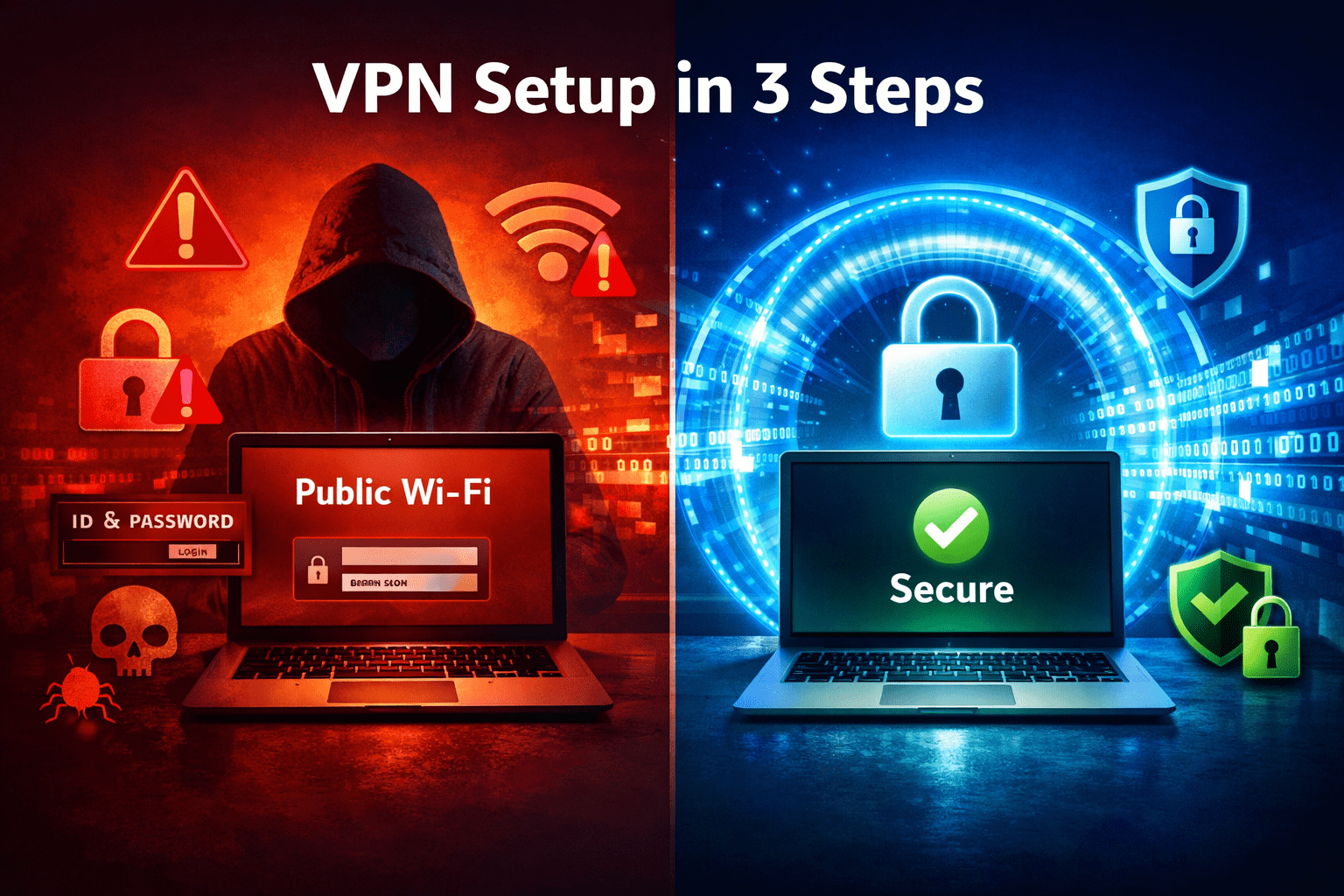
- 🌍 Remote workers on public Wi-Fi are a primary attack vector — a VPN is your first line of defense, not an optional extra.
- 💡 A VPN alone isn’t a complete security stack. Pair it with strong antivirus for remote workers and MFA.
- 🔄 Split tunneling is a must-have feature for remote workers who need both corporate access and normal browsing speed.
- 💰 Expect to pay $5–$15/user/month for a business-grade VPN. Anything significantly cheaper deserves extra scrutiny.
What Makes a VPN Actually Good for Remote Work in 2026?
A good remote work VPN does three things well: it protects your connection, it doesn’t slow your work to a crawl, and it’s manageable at scale. Most consumer VPNs nail one of those. Fewer nail all three.
Here’s what to evaluate, based on independent testing criteria:
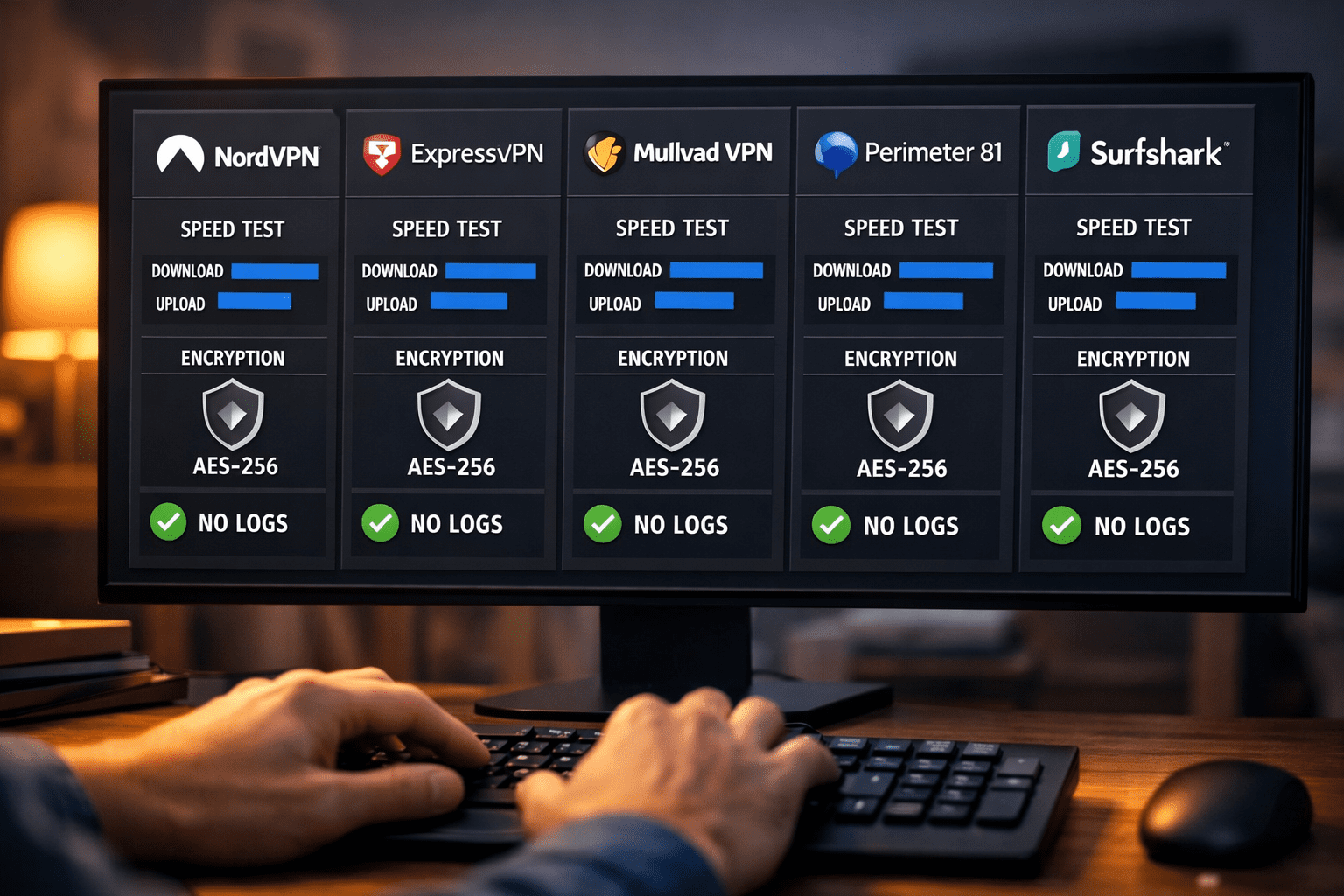
Protocol: WireGuard is the current gold standard. It’s faster and leaner than OpenVPN, and it’s been audited. If a VPN only offers OpenVPN or IKEv2, that’s not a dealbreaker — but WireGuard support is a strong signal that the provider is keeping up.
No-log policy (audited): Any VPN can claim it keeps no logs. The ones worth trusting have had that claim verified by an independent third party — firms like Cure53 or KPMG. Check the audit date; anything older than two years is stale.
Kill switch: If your VPN drops, a kill switch cuts your internet connection rather than exposing your real IP. For remote workers handling sensitive data, this is non-negotiable.
Split tunneling: This lets you route work traffic through the VPN while keeping personal browsing on your regular connection. It protects corporate data without throttling your video calls.
Admin controls (for teams): Consumer VPNs give you a personal account. Business VPNs give you a dashboard to add/remove users, enforce policies, and audit connections. If you’re managing more than two or three people, you need the latter.
Choose a business VPN if: you manage a team, handle client data, or need compliance documentation. Choose a consumer VPN if you’re a solo freelancer protecting yourself on public Wi-Fi.
The Best VPN for Remote Workers 2026: Our Top Picks
These are the providers we’d actually recommend after cutting through the marketing noise. No vendor bias — just honest tradeoffs.
🥇 NordVPN Teams (now Nord Security / NordLayer) — Best for SMBs
Bottom line: NordLayer (the business arm of Nord Security) is the most complete package for small and mid-sized teams. It offers WireGuard-based connections, a solid admin dashboard, and SSO integration with Google and Azure AD.
- Speed: Consistently strong on WireGuard — independent tests show 10–15% speed reduction on a 500 Mbps line, which is well within acceptable range.
- No-log audit: Audited by PricewaterhouseCoopers (2023).
- Price: Starts around $7/user/month (Lite plan). Business plans scale up from there.
- Tradeoff: The admin UI has a learning curve. It’s not plug-and-play for non-technical owners.
For a deeper look at options built for teams, see our best VPN for small business guide.
🥈 ExpressVPN — Best for Speed-Sensitive Solo Workers
Bottom line: ExpressVPN remains one of the fastest consumer VPNs tested. Its Lightway protocol (built on WolfSSL) is consistently competitive with WireGuard in real-world speed tests.
- Speed: Lightway protocol delivers some of the lowest latency numbers in independent benchmarks.
- No-log audit: Audited by KPMG and Cure53. Server infrastructure audited separately.
- Price: Around $8–$10/month on annual plans.
- Tradeoff: No centralized team management. This is a solo-worker tool, not a fleet solution.
If you’re comparing ExpressVPN directly against another popular option, our ExpressVPN vs CyberGhost breakdown covers the key differences.
🥉 Mullvad — Best for Privacy-First Workers
Bottom line: Mullvad is the most privacy-focused option on this list. No email required to sign up, accepts cash and crypto, and has a verified no-log policy. It’s not the flashiest, but it’s the most honest.
- Speed: WireGuard support is excellent. Speeds are competitive with the top tier.
- No-log audit: Audited by Cure53 (2022). RAM-only servers since 2022.
- Price: Flat €5/month per account. No annual discount — take it or leave it.
- Tradeoff: No business dashboard, no team management. Solo workers only.
Also Worth Considering
| Provider | Best For | Protocol | Approx. Price/User/Month | Audited? |
|---|---|---|---|---|
| Perimeter 81 | Mid-market teams | WireGuard, OpenVPN | ~$8–$12 | Yes |
| Surfshark Business | Budget-conscious teams | WireGuard | ~$3.99 | Yes (2023) |
| Cisco AnyConnect | Enterprise/compliance | TLS/DTLS | Custom pricing | Yes |
| ProtonVPN Business | Privacy + team needs | WireGuard | ~$7.99 | Yes |
For a comprehensive look at business-grade options, our best business VPN guide goes deeper on enterprise features.
How Do You Set Up a VPN for Remote Workers? (Step-by-Step)
Getting your team on a VPN doesn’t have to be complicated. Here’s a practical setup process for SMBs:
Step 1: Choose your VPN tier. Solo worker? A consumer plan works. Team of 5+? Get a business plan with an admin dashboard.
Step 2: Create your admin account. Sign up through the provider’s business portal. This is separate from the consumer app signup — don’t mix them up.
Step 3: Add users. Most business VPNs let you invite team members by email. They receive a setup link and install the client app on their device.
Step 4: Configure policies. Set which servers users connect to, enable kill switch enforcement, and (if available) configure split tunneling rules for your internal tools.
Step 5: Test before you deploy. Run a speed test before and after connecting. Check for DNS leaks using a tool like dnsleaktest.com. Confirm the kill switch works by manually disconnecting your network adapter while the VPN is active.
Step 6: Document and train. Send your team a one-page guide: when to connect (always on public Wi-Fi, always when accessing company systems), how to reconnect if it drops, and who to contact for support.
Common mistake: Skipping the kill switch test. Most workers won’t notice if their VPN silently drops — and that’s exactly when their data is exposed.
For a broader look at locking down your distributed team, our guide to securing remote workers covers the full security stack beyond just VPNs.
Is a VPN Enough to Secure Remote Workers in 2026?
No — and any vendor who tells you otherwise is selling you something. A VPN encrypts your connection. It doesn’t stop phishing emails, malware downloads, or weak passwords.
Think of a VPN as one layer in a stack, not the whole stack. Here’s what a complete remote worker security setup looks like:
- VPN: Encrypts traffic, masks IP, protects public Wi-Fi sessions.
- Antivirus/EDR: Catches malware on the endpoint. See our best antivirus for remote workers picks.
- Password manager: Eliminates weak and reused passwords. Our best password manager for business guide covers the top options.
- MFA: Blocks credential-stuffing attacks even when passwords leak. Our best MFA solutions for business review covers the leading tools.
- Secure email gateway: Filters phishing before it reaches your team. See our best secure email gateway comparison.
According to our cybersecurity statistics for 2026, the majority of breaches still involve human error — phishing, weak credentials, and misconfigured access. A VPN protects the wire. It doesn’t protect the person holding the keyboard.
SASE vs. VPN: Should Remote Teams Consider Something Different?
For teams of 20+ employees or those with complex access needs, SASE (Secure Access Service Edge) is worth evaluating alongside traditional VPNs. SASE combines network security and WAN capabilities into a single cloud-delivered service.
The honest tradeoff: SASE is more capable but significantly more expensive and complex to deploy. A traditional business VPN is faster to set up and sufficient for most SMBs under 50 people.
Our SASE vs. VPN comparison breaks down which approach fits which team size and budget. If you’re already thinking at that scale, our best ZTNA solutions guide is also worth reading — Zero Trust Network Access is increasingly replacing legacy VPN architectures for larger organizations.
Choose SASE/ZTNA if: You have 50+ remote users, complex multi-cloud environments, or strict compliance requirements. Stick with a business VPN if: You’re under 50 users, want fast deployment, and need a manageable monthly cost.
What About Free VPNs for Work?
Free VPNs are almost never appropriate for business use. Here’s why, plainly stated: free VPN providers have to make money somehow. Many do it by logging and selling user data — which is the exact opposite of what a VPN is supposed to do.
A handful of free tiers from reputable providers (ProtonVPN’s free tier, for example) are legitimate — but they come with data caps, speed limits, and server restrictions that make them impractical for daily remote work.
If budget is the constraint, a cheap paid VPN at $3–$5/month is a far better choice than a free one. Our best cheap VPN guide covers the most affordable options that don’t cut corners on privacy.
For device-specific needs, we also have dedicated guides for the best VPN for iPhone, best VPN for Android, best VPN for Windows, and best VPN for Mac.
FAQ: Best VPN for Remote Workers 2026
Q: What’s the single best VPN for a remote worker in 2026?
NordLayer for teams, Mullvad for privacy-focused individuals, and ExpressVPN for solo workers who prioritize speed. All three have independently audited no-log policies.
Q: Does a VPN slow down my internet connection?
Yes, slightly. A quality VPN on WireGuard protocol typically reduces speeds by 10–20% in independent tests. On a 100 Mbps+ connection, you won’t notice it in daily use.
Q: What’s the difference between a business VPN and a consumer VPN?
Business VPNs add centralized user management, policy enforcement, audit logs, and SSO integration. Consumer VPNs are single-account tools. If you manage a team, you need the business version.
Q: Is WireGuard actually safer than OpenVPN?
WireGuard has a significantly smaller codebase (~4,000 lines vs. ~70,000 for OpenVPN), which means a smaller attack surface. It’s been independently audited. For most remote workers, WireGuard is the better choice in 2026.
Q: Do I need a VPN if I work from home on a private network?
For accessing company systems remotely, yes — a VPN creates an encrypted tunnel to your corporate network. For general home browsing, it’s optional but adds a privacy layer.
Q: Can my employer see what I do on a company VPN?
Yes. A corporate VPN routes your traffic through company servers, which means IT can log connection data. This is different from a personal VPN, which routes traffic through a third-party provider.
Q: What’s a kill switch and do I need one?
A kill switch cuts your internet if the VPN connection drops, preventing your real IP and data from being exposed. For remote workers handling sensitive data, it’s essential — not optional.
Q: Are there VPNs built specifically for mobile remote workers?
Most top-tier VPNs support iOS and Android with full-featured apps. NordLayer, ExpressVPN, and ProtonVPN all have strong mobile clients. See our best VPN for Android and best VPN for iPhone guides for device-specific picks.
Q: What’s the average cost of a business VPN per user?
Expect $5–$12/user/month for a reputable business VPN. Enterprise solutions like Cisco AnyConnect are priced on custom contracts and typically run higher.
Q: Should I use split tunneling?
Yes, for most remote workers. Split tunneling routes work traffic through the VPN while keeping other traffic on your regular connection. It protects corporate data without degrading video call quality.
Q: Is a VPN compliant with GDPR and HIPAA requirements?
A VPN alone doesn’t make you compliant, but it’s a required component of most compliance frameworks. Check that your provider offers a Data Processing Agreement (DPA) if you’re handling EU personal data.
Q: What’s the best free VPN option for business use?
Honestly, there isn’t a great one. ProtonVPN’s free tier is the most trustworthy, but it’s too limited for daily work. Our best free VPN for business guide covers what’s available and where the limits are.
Conclusion: Which VPN Should You Pick Today?
The best VPN for remote workers in 2026 comes down to your situation.
Managing a team? Go with NordLayer or Perimeter 81. You need admin controls, policy enforcement, and audit logs — not just an encrypted tunnel.
Solo remote worker or freelancer? ExpressVPN for speed, Mullvad for maximum privacy. Both have tested and verified no-log policies and strong WireGuard performance.
On a tight budget? Surfshark Business or ProtonVPN Business offer solid protection at lower price points. Just verify the audit status before you commit.
Whatever you pick, don’t stop at the VPN. Pair it with strong endpoint protection, a business password manager, and MFA on every account that matters. Security that actually works is layered — the VPN is your first line of defense, not your only one.
Start today: pick a provider from this list, run the kill switch test, and get your team enrolled before the next person connects from a hotel lobby.
Interactive VPN Selector Tool
Use the tool below to find the right VPN for your situation based on team size, budget, and priorities.
🔒 VPN Selector for Remote Workers 2026
Answer 3 quick questions to get a tailored VPN recommendation — no email required.
  <!-- Step 1 -->
  <div class="cg-vpn-step cg-active" id="cg-step-1">
    <div class="cg-step-label">Step 1 of 3</div>
    <div class="cg-question">How many people need VPN access?</div>
    <div class="cg-options">
      <button class="cg-option-btn" onclick="cg_select(1,'solo')">
        Just me
        <span class="cg-opt-sub">Solo freelancer or individual remote worker</span>
      </button>
      <button class="cg-option-btn" onclick="cg_select(1,'small')">
        2–10 people
        <span class="cg-opt-sub">Small team, startup, or micro-business</span>
      </button>
      <button class="cg-option-btn" onclick="cg_select(1,'medium')">
        11–50 people
        <span class="cg-opt-sub">Growing SMB needing centralized management</span>
      </button>
      <button class="cg-option-btn" onclick="cg_select(1,'large')">
        50+ people
        <span class="cg-opt-sub">Mid-market or enterprise deployment</span>
      </button>
    </div>
  </div>

  <!-- Step 2 -->
  <div class="cg-vpn-step" id="cg-step-2">
    <div class="cg-step-label">Step 2 of 3</div>
    <div class="cg-question">What's your top priority?</div>
    <div class="cg-options">
      <button class="cg-option-btn" onclick="cg_select(2,'privacy')">
        Maximum privacy
        <span class="cg-opt-sub">Minimal data collection, anonymous sign-up</span>
      </button>
      <button class="cg-option-btn" onclick="cg_select(2,'speed')">
        Fastest speeds
        <span class="cg-opt-sub">Video calls, large file transfers, low latency</span>
      </button>
      <button class="cg-option-btn" onclick="cg_select(2,'management')">
        Team management
        <span class="cg-opt-sub">Admin dashboard, policy enforcement, SSO</span>
      </button>
      <button class="cg-option-btn" onclick="cg_select(2,'budget')">
        Best value / low cost
        <span class="cg-opt-sub">Solid protection without overspending</span>
      </button>
    </div>
  </div>

  <!-- Step 3 -->
  <div class="cg-vpn-step" id="cg-step-3">
    <div class="cg-step-label">Step 3 of 3</div>
    <div class="cg-question">Do you need compliance documentation (GDPR, HIPAA, SOC 2)?</div>
    <div class="cg-options">
      <button class="cg-option-btn" onclick="cg_select(3,'yes')">
        Yes — compliance is required
        <span class="cg-opt-sub">We handle regulated data or have audit requirements</span>
      </button>
      <button class="cg-option-btn" onclick="cg_select(3,'no')">
        No — just solid security
        <span class="cg-opt-sub">No formal compliance framework needed</span>
      </button>
    </div>
  </div>

  <!-- Result -->
  <div class="cg-result" id="cg-result">
    <div class="cg-result-badge">Your Match</div>
    <div class="cg-result-name" id="cg-res-name"></div>
    <div class="cg-result-tagline" id="cg-res-tagline"></div>
    <div class="cg-result-desc" id="cg-res-desc"></div>
    <div class="cg-result-specs">
      <ul id="cg-res-specs"></ul>
    </div>
    <button class="cg-restart-btn" onclick="cg_restart()">← Start Over</button>
  </div>

  <div class="cg-footer-note">Independent recommendations — no affiliate ranking bias. Sybari.com</div>
</div>
References
- Cure53. (2022). Mullvad VPN Security Audit. Cure53. https://cure53.de/
- PricewaterhouseCoopers. (2023). NordVPN No-Log Audit Report. PwC. https://nordvpn.com/
- KPMG. (2022). ExpressVPN No-Log Verification. KPMG. https://expressvpn.com/
- WireGuard. (2020). WireGuard: Fast, Modern, Secure VPN Tunnel. WireGuard.com. https://www.wireguard.com/
- Zscaler. (2023). ThreatLabz State of VPN Report 2023. Zscaler. https://www.zscaler.com/
Tags: best VPN for remote workers, remote work VPN, business VPN 2026, NordLayer review, WireGuard VPN, VPN for small business, secure remote access, VPN speed test, no-log VPN, SMB cybersecurity, VPN setup guide, remote worker security