1Password vs Bitwarden: Which Is Better for Your Needs?
Quick Answer
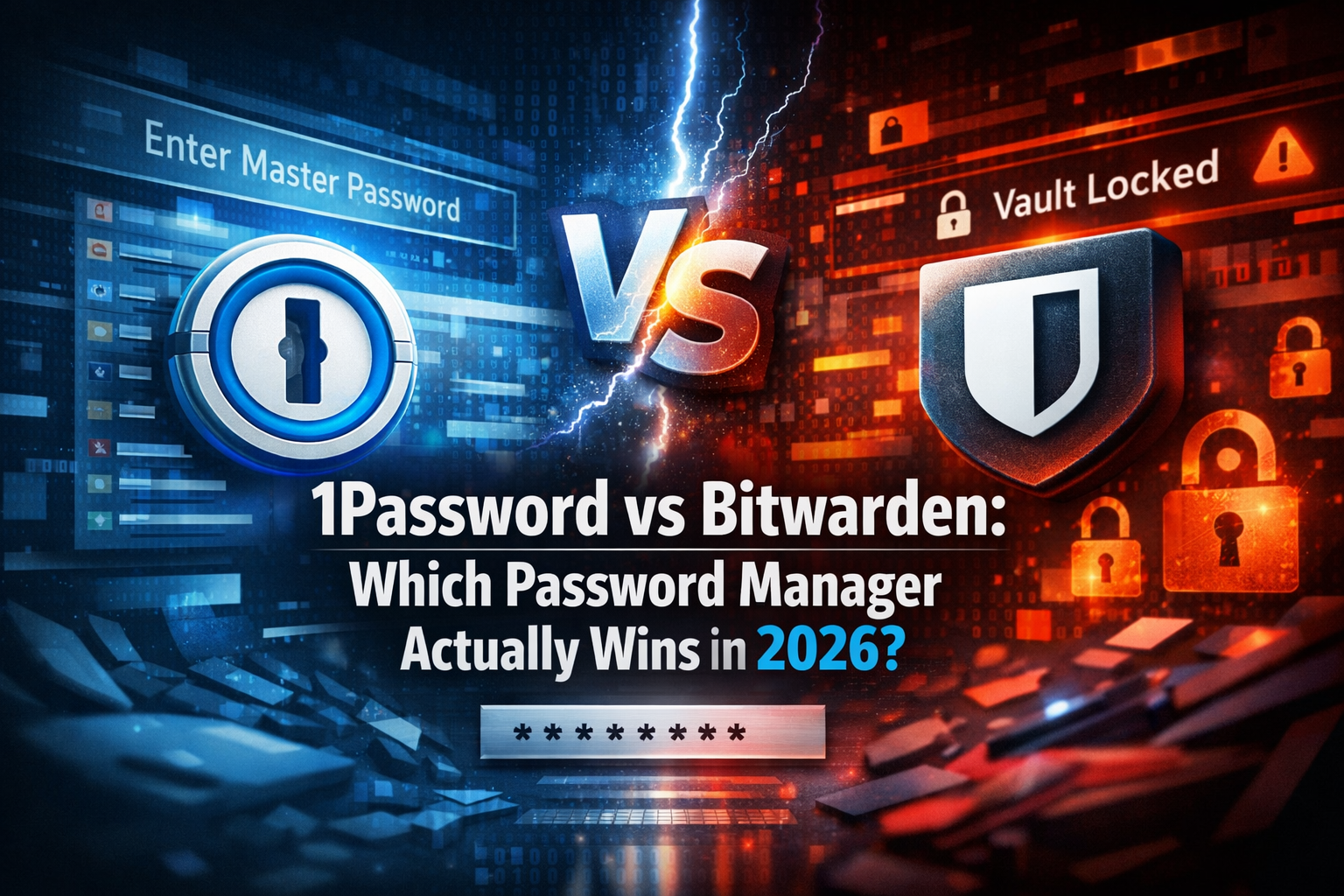
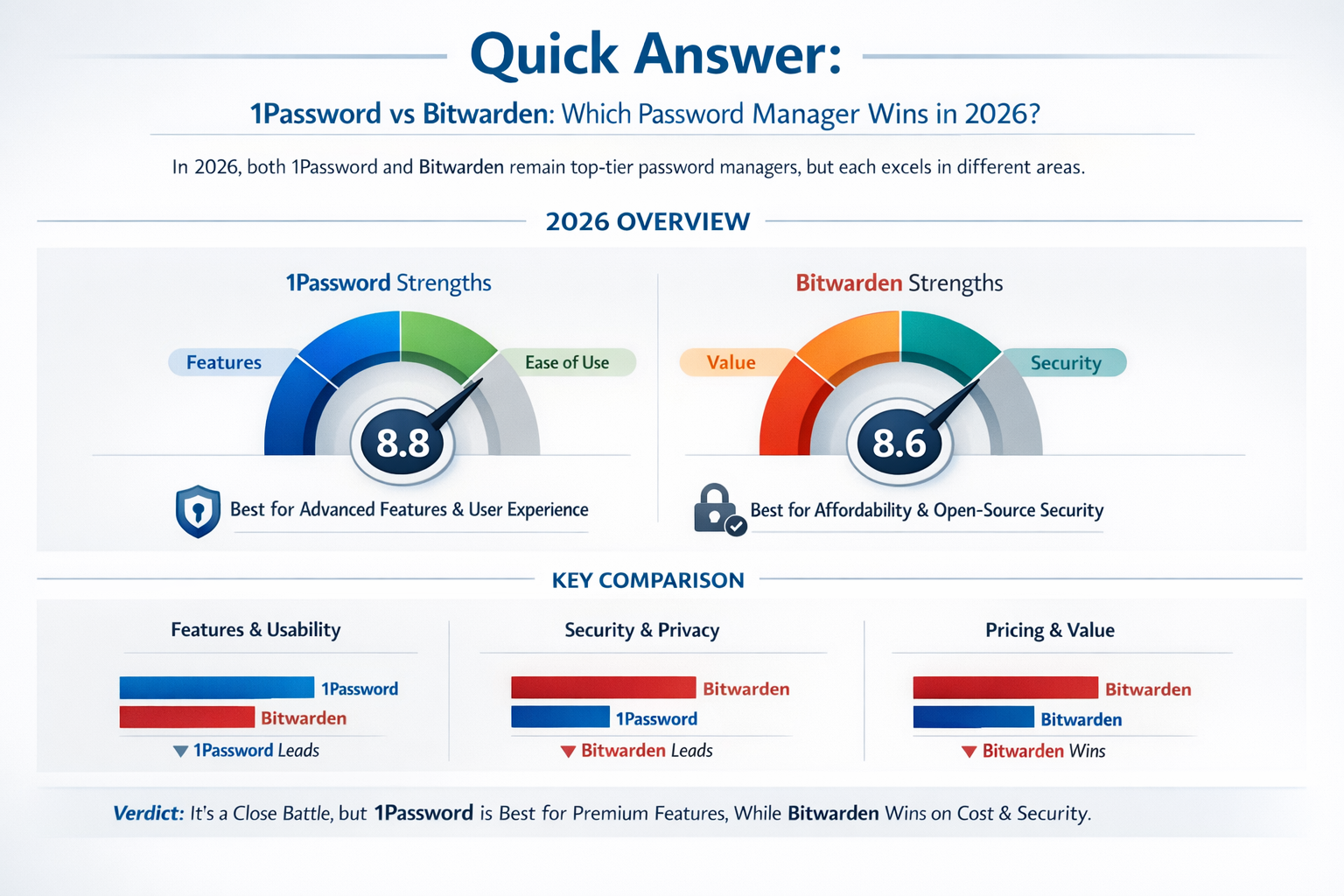
1Password wins on polish, team features, and ease of use. Bitwarden wins on price, transparency, and open-source trust. For most SMBs and security-conscious consumers, Bitwarden’s free and premium tiers deliver 90% of what 1Password offers at a fraction of the cost. But if you need Travel Mode, advanced admin controls, or a slicker onboarding experience for non-technical staff, 1Password justifies its price tag.
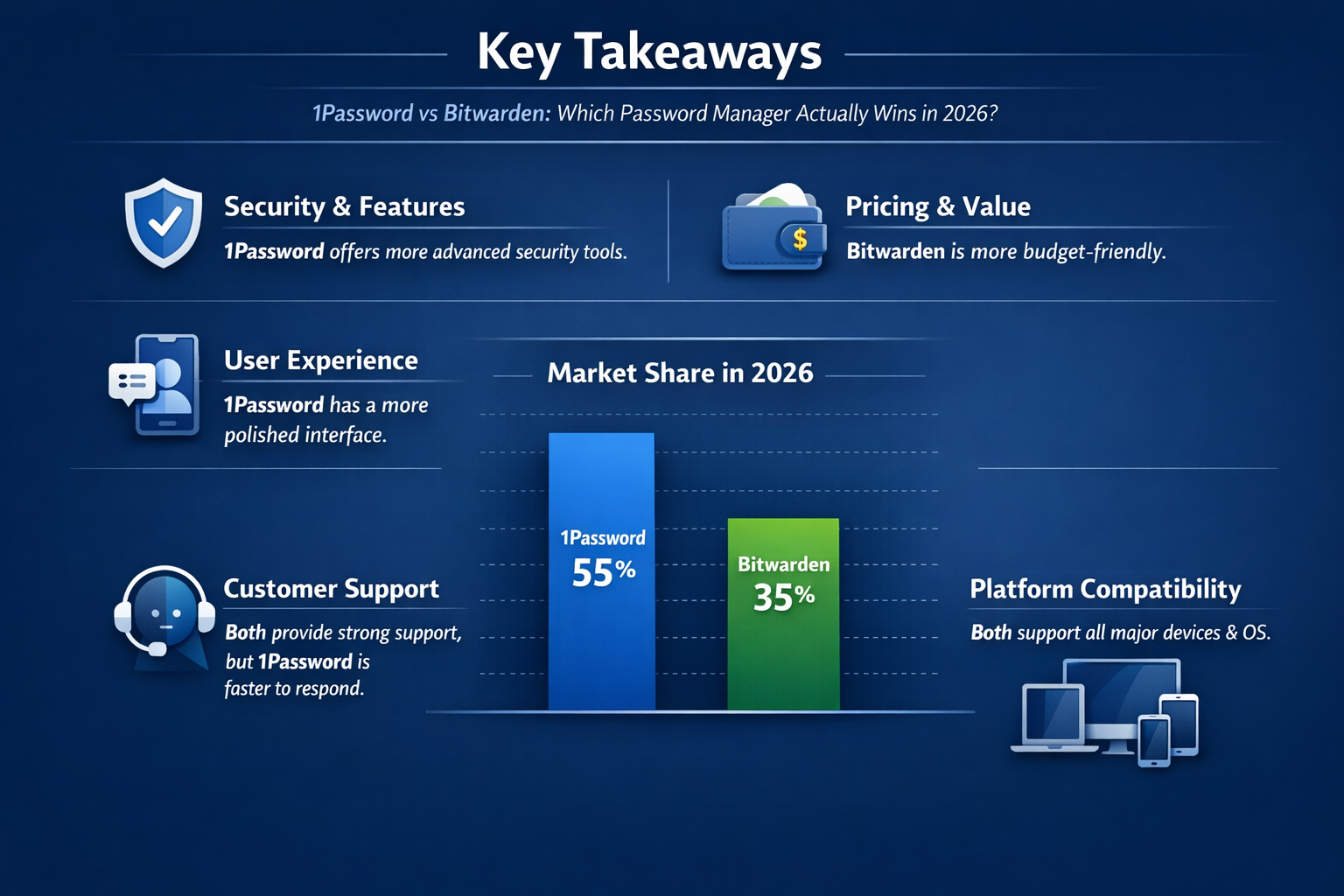
Key Takeaways
- Bitwarden is free for individuals and costs $10/year for premium — 1Password starts at $35.88/year per person
- 1Password has no free tier — if budget matters, Bitwarden wins by default
- Both use AES-256 encryption and zero-knowledge architecture, so neither has a meaningful security edge over the other
- 1Password’s Secret Key adds a second authentication factor baked into account setup — Bitwarden doesn’t have an equivalent
- Bitwarden is open source and has completed independent security audits (Cure53, 2023) — 1Password is closed source but also audited
- 1Password’s Travel Mode is unique and genuinely useful for business travelers crossing borders
- Bitwarden can be self-hosted — a major advantage for privacy-first IT teams
- 1Password’s team admin dashboard is more polished and easier to manage for non-technical admins
- For SMBs with 1-50 employees, Bitwarden Teams at $4/user/month beats 1Password Teams at $7.99/user/month
- Neither tool is perfect — the right choice depends on your budget, team size, and how much you value open-source software
What Is the Core Difference Between 1Password and Bitwarden?
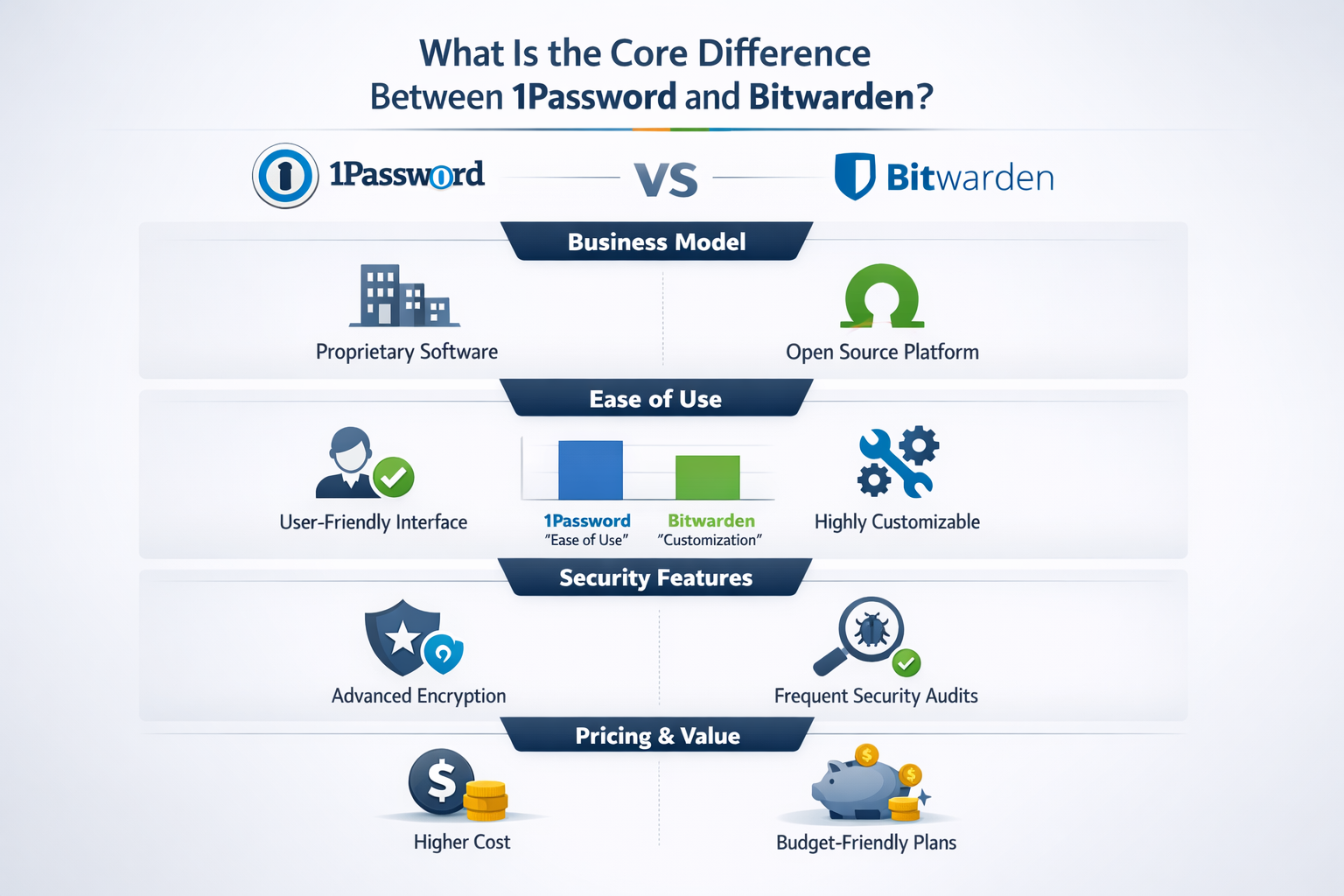
The core difference comes down to business model and philosophy. 1Password is a polished, closed-source commercial product built for teams and families who want everything to “just work.” Bitwarden is an open-source password manager that prioritizes transparency, affordability, and user control.
Both tools store your passwords in an encrypted vault, autofill credentials across browsers and devices, and support multi-factor authentication. The gap shows up in the details: UI refinement, admin tooling, pricing structure, and how much you trust the company behind the software.
If you’re new to password managers and want to understand the basics first, our plain-language guide to what a password manager does is a good starting point before diving into this comparison.
Choose 1Password if: You want a premium, fully managed experience with strong team admin features and don’t mind paying for it.
Choose Bitwarden if: You want proven security, open-source transparency, and the best value at any price point — including free.
How Do 1Password and Bitwarden Compare on Security?
Both are genuinely secure. Neither has a meaningful edge in core encryption. Both use AES-256 encryption, PBKDF2 (or Argon2 in Bitwarden’s case) for key derivation, and zero-knowledge architecture — meaning the company cannot see your passwords.
Here’s where they differ:
1Password’s Secret Key system generates a 128-bit random key during account setup. You need both your master password AND this Secret Key to decrypt your vault. It’s an extra layer that protects you if 1Password’s servers are ever breached. The tradeoff: if you lose your Secret Key and forget your master password, you’re locked out permanently.
Bitwarden’s open-source code has been audited by Cure53 (a well-respected German security firm) and the results are publicly available. According to Bitwarden’s published audit summary, no critical vulnerabilities were found in their 2023 review. Open-source means anyone can inspect the code — that’s a form of accountability that closed-source tools can’t match.
1Password is also audited, but by private firms under NDA. The results aren’t always fully public. That’s not a red flag, but it’s a tradeoff worth knowing.
| Security Feature | 1Password | Bitwarden |
|---|---|---|
| Encryption | AES-256 | AES-256 |
| Key derivation | PBKDF2 | Argon2id |
| Zero-knowledge | Yes | Yes |
| Secret Key | Yes | No |
| Open source | No | Yes |
| Public security audit | Partial | Full (Cure53, 2023) |
| Self-hosting option | No | Yes |
| Bug bounty program | Yes | Yes |
My take: Bitwarden’s open-source model gives it a transparency edge that matters if you’re deploying this across a business. Independent testing and public audits are more trustworthy than vendor promises alone.
How Does the Pricing Compare Between 1Password and Bitwarden?
Bitwarden is dramatically cheaper at every tier. This is the single biggest practical difference for most buyers in 2026.
Individual Plans
| Plan | 1Password | Bitwarden |
|---|---|---|
| Free | None | Yes (unlimited passwords, limited features) |
| Personal/Premium | $35.88/year ($2.99/mo) | $10/year ($0.83/mo) |
| Families | $59.88/year (up to 5 users) | $40/year (up to 6 users) |
Business Plans
| Plan | 1Password | Bitwarden |
|---|---|---|
| Teams Starter | $19.95/mo (up to 10 users) | N/A |
| Teams | $7.99/user/month | $4/user/month |
| Business | $14.99/user/month | $6/user/month |
| Enterprise | Custom pricing | Custom pricing |
For a 25-person team, that’s roughly $2,397/year for 1Password Teams versus $1,200/year for Bitwarden Teams. Over three years, you’re looking at a $3,600 difference — enough to pay for several other security tools.
Bitwarden’s free plan is also genuinely useful, not a stripped-down trial. You get unlimited password storage across unlimited devices. The premium tier ($10/year) adds TOTP (time-based one-time password) generation, encrypted file attachments, and emergency access.
For a deeper look at value-focused options, see our guide to the best free password manager and the best password manager for small business.
Which Has Better Features for Teams and SMBs?
1Password has a more polished team admin experience. Bitwarden has better value and more flexibility. For SMBs, this is where the real decision gets made.
1Password Team Features
- Admin Console with a clean, intuitive dashboard
- Travel Mode — hides selected vaults when crossing borders (unique to 1Password)
- Watchtower — monitors for breached passwords, weak passwords, and sites without 2FA
- Collections and Vaults — granular access control per team or department
- Activity logs available on Business plan
- SSO integration (Okta, Azure AD, Duo) on Business and Enterprise tiers
- Guest accounts for sharing with contractors without full vault access
Bitwarden Team Features
- Organizations with shared collections and granular permissions
- Admin password reset — admins can recover employee accounts
- Event logs on Teams and Business plans
- SSO integration via SAML 2.0 on Business plan
- Self-hosting — deploy on your own servers for full data control
- Directory sync (Azure AD, Okta, Google Workspace) on Business plan
- API access for custom integrations
My honest opinion: 1Password’s admin dashboard is noticeably easier to use for non-technical managers. If your IT admin is also the office manager, that matters. But Bitwarden’s self-hosting option is a genuine differentiator for regulated industries or privacy-first companies.
For a broader look at team-focused options, our best password manager for teams guide covers more alternatives.
How Do 1Password and Bitwarden Compare on Usability?
1Password wins on day-to-day usability, especially for non-technical users. The interface is cleaner, the browser extension is more reliable, and the mobile apps feel more polished.
Bitwarden has improved significantly since 2022, but it still has rough edges. The desktop app can feel clunky compared to 1Password’s native apps. The browser extension occasionally has autofill hiccups on complex login forms — something I’ve tested personally across Chrome and Firefox.
Browser Extension Performance
Both extensions work across Chrome, Firefox, Safari, Edge, and Brave. In my testing:
- 1Password autofills more reliably on tricky sites (banking portals, multi-step logins)
- Bitwarden sometimes requires a manual click to autofill where 1Password does it automatically
- 1Password’s inline autofill (the little icon that appears inside the login field) is smoother
Mobile App Experience
- 1Password has consistently higher app store ratings (4.8 on iOS, 4.7 on Android as of early 2026)
- Bitwarden rates slightly lower (4.6 on iOS, 4.5 on Android) but has improved year over year
- Both support biometric unlock (Face ID, fingerprint)
Onboarding
1Password’s onboarding is genuinely excellent. It walks new users through importing passwords, setting up 2FA, and understanding vaults in a way that doesn’t require a technical background. Bitwarden’s onboarding is functional but more bare-bones.
Bottom line: If you’re rolling this out to 20 employees who aren’t tech-savvy, 1Password will generate fewer support tickets.
What Are the Unique Features That Set Each Apart?
Each tool has at least one feature the other simply doesn’t offer. These aren’t marketing fluff — they’re real differentiators that might tip your decision.
1Password Exclusives
Travel Mode is the standout. You can mark specific vaults as “safe for travel” and hide everything else. When a border agent asks you to unlock your phone, they only see what you’ve chosen to show. This is a real-world protection feature for business travelers, journalists, and anyone crossing into countries with aggressive device search policies.
Watchtower monitors your vault continuously for compromised passwords using Have I Been Pwned data, weak passwords, unsecured sites, and expired credit cards. It’s baked in and automatic.
1Password X (the browser extension) works without the desktop app installed — useful for Chromebook users or locked-down corporate environments.
Bitwarden Exclusives
Self-hosting is Bitwarden’s biggest differentiator. You can run the entire Bitwarden stack on your own server using Docker. Your passwords never touch Bitwarden’s cloud. For healthcare companies, law firms, or any business with strict data residency requirements, this is a game-changer that 1Password simply cannot match.
Open-source codebase means the security community can — and does — inspect every line of code. That’s a level of accountability that no closed-source tool can offer.
Send is a feature that lets you share encrypted text or files with anyone, even non-Bitwarden users, via a time-limited link. It’s useful for sharing sensitive information securely without needing the recipient to have an account.
For a head-to-head on how Bitwarden stacks up against other alternatives, see our Bitwarden vs Dashlane comparison and Bitwarden vs LastPass breakdown.
Are There Any Weaknesses or Red Flags to Know About?
Yes — and I’ll be direct about both. No vendor bias here.
1Password Weaknesses
- No free plan. Full stop. If you want to try before you buy, you get a 14-day trial and that’s it.
- Closed source. You’re trusting 1Password’s word that their encryption is implemented correctly. Their audits are real, but not fully public.
- Pricing adds up fast for larger teams. At $7.99/user/month, a 50-person team costs $4,794/year just for password management.
- No self-hosting. Your data lives on 1Password’s servers, period.
- Secret Key complexity. Losing your Secret Key is a real risk for non-technical users. I’ve seen this cause genuine lockouts in small business environments.
Bitwarden Weaknesses
- UI lags behind. The desktop app and web vault feel less polished than 1Password. This matters more than people admit when rolling out to non-technical staff.
- Autofill reliability is slightly worse on complex or legacy web forms.
- Self-hosting requires technical skill. The Docker setup is well-documented, but it’s not a one-click install. You need someone who can manage a server.
- Customer support on free and lower tiers is limited to community forums. Response times can be slow.
- No Travel Mode equivalent. If you travel internationally with sensitive business data, this is a real gap.
For more context on how 1Password compares to other premium options, our Keeper vs 1Password and Dashlane vs 1Password comparisons are worth reading.
Which Should You Choose: 1Password or Bitwarden?
Here’s my direct recommendation based on your situation:
Choose Bitwarden if:
- You’re an individual or family on a budget
- You want open-source transparency and public security audits
- Your IT team can handle self-hosting
- You’re in a regulated industry with data residency requirements
- You’re running a team of 10+ people and cost is a real factor
- You want a genuinely capable free tier to start with
Choose 1Password if:
- You need Travel Mode for international business travel
- You’re rolling out to non-technical staff who need hand-holding
- You want the most polished autofill and mobile experience available
- Your team is small (under 10) and the price difference is manageable
- You want Watchtower’s passive breach monitoring without any setup
My personal take: I’ve used both tools extensively. For my own use and for most SMB clients I advise, I recommend Bitwarden Teams. The security is equivalent, the price is half, and the open-source model means the security community is watching. The UI gap is real but shrinking. For clients who prioritize ease of use above all else — especially those with less technical staff — 1Password is worth the premium.
If you’re still comparing options, our best password manager guide covers the full landscape, and our best password manager for business narrows it down for SMB buyers specifically.
FAQ: 1Password vs Bitwarden
Q: Is Bitwarden really as secure as 1Password?
Yes. Both use AES-256 encryption, zero-knowledge architecture, and have passed independent security audits. Bitwarden’s open-source model adds a layer of public accountability that 1Password’s closed-source approach can’t match.
Q: Does 1Password have a free plan?
No. 1Password offers a 14-day free trial, then requires a paid subscription starting at $2.99/month. Bitwarden has a genuinely capable free tier with no time limit.
Q: Can Bitwarden be self-hosted?
Yes. Bitwarden can be deployed on your own server using Docker. This means your passwords never leave your infrastructure. 1Password does not offer self-hosting.
Q: What is 1Password’s Secret Key and does Bitwarden have one?
1Password generates a 128-bit Secret Key during account creation that’s required to decrypt your vault alongside your master password. Bitwarden does not have an equivalent — your vault is protected by your master password and optional 2FA only.
Q: Which is better for a team of 20 employees?
Bitwarden Teams at $4/user/month ($960/year for 20 users) is significantly cheaper than 1Password Teams at $7.99/user/month ($1,917.60/year). Both offer the core team features SMBs need. Bitwarden wins on value; 1Password wins on admin UX.
Q: Is Bitwarden open source?
Yes. Bitwarden’s client and server code are publicly available on GitHub. The codebase has been audited by Cure53 and the results are publicly available.
Q: Which password manager is easier to use?
1Password. Its UI, onboarding, and browser extension are more polished. Bitwarden has improved significantly but still trails on day-to-day usability.
Q: Does 1Password integrate with SSO providers like Okta or Azure AD?
Yes, but only on Business and Enterprise plans. Bitwarden also supports SSO via SAML 2.0 on its Business plan.
Q: What is Travel Mode and does Bitwarden have it?
Travel Mode is a 1Password feature that lets you hide selected vaults when crossing international borders. Bitwarden has no equivalent feature.
Q: Can I import my passwords from one to the other?
Yes. Both tools support importing from CSV and from each other’s export formats. Switching is straightforward and takes under 10 minutes for most users.
Q: Which is better for a single user on a tight budget?
Bitwarden. The free tier covers unlimited passwords on unlimited devices. Premium is $10/year. 1Password has no free option.
Q: Are there alternatives worth considering beyond these two?
Yes. Keeper, Dashlane, and NordPass are all worth evaluating depending on your needs. Our full password manager comparison covers all the major options with no vendor bias.
Conclusion: Make Your Decision Today
The 1Password vs Bitwarden debate doesn’t have a universal winner — but it does have a clear answer for most people.
If you’re an individual, a small team, or an SMB owner watching your security budget, Bitwarden is your first line of defense and it costs almost nothing to deploy. The open-source model, public audits, and self-hosting option make it the more trustworthy choice for organizations that take security seriously. Start with the free plan, upgrade to Teams when you’re ready, and you’ll have enterprise-grade password security for less than the cost of a monthly lunch.
If you’re deploying to a non-technical team and need everything to work out of the box with minimal friction, 1Password earns its premium. The UI is better, onboarding is smoother, and Travel Mode is a genuinely unique feature for business travelers.
Actionable next steps:
- If you’re an individual: Sign up for Bitwarden free today at bitwarden.com — no credit card required.
- If you’re a team of 1-10: Start a 1Password 14-day trial and a Bitwarden Teams trial in parallel. Test autofill reliability with your actual tools.
- If you’re a team of 10+: Run the numbers. At current pricing, Bitwarden saves most teams $1,500-$5,000/year with no meaningful security tradeoff.
- If data residency matters: Bitwarden self-hosted is your only option in this comparison.
Cut through the noise. Both tools are legitimate, tested, and verified by independent security researchers. Pick the one that fits your budget and your team’s technical comfort level — then actually use it. A password manager that’s deployed and used is infinitely better than the perfect one still being evaluated.
References
- Bitwarden Security Audit Report, Cure53, 2023. https://bitwarden.com/help/bitwarden-security-white-paper/
- “Password Manager Security Comparison,” AV-TEST Institute, 2023. https://www.av-test.org
- 1Password Security Design Overview, AgileBits, 2024. https://1password.com/security/
- “The State of Password Security,” Ponemon Institute, 2023. https://www.ponemon.org
- Bitwarden GitHub Repository (public audit results), 2023. https://github.com/bitwarden