What Are Computer Worms and How Do You Stop Them?
Computer worms self-replicate across networks without any user action — making them far more dangerous than standard viruses. Learn how worms spread, the damage they cause, and how to prevent them.
In-depth antivirus and anti-malware software reviews, comparisons, and recommendations for home users, remote workers, and small businesses. Includes Malwarebytes, Bitdefender, Norton, and more.
Computer worms self-replicate across networks without any user action — making them far more dangerous than standard viruses. Learn how worms spread, the damage they cause, and how to prevent them.


Most computer virus infections are preventable with the right habits. These 10 steps — from keeping software updated to avoiding phishing links — eliminate the vast majority of infection risk.


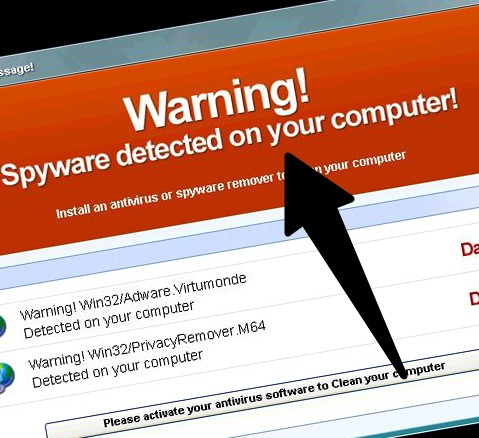
Fake antivirus programs — also called scareware — pretend to detect threats to trick you into paying for removal. Learn how to identify them, avoid them, and remove them if you’ve already been infected.


If your PC is infected, here are 4 proven virus removal methods — from safe mode scans to bootable rescue disks — ordered from easiest to most thorough. No tech experience needed.


Android and iPhone face very different threat landscapes. Android users face real malware risks — especially from sideloaded apps. iPhone users face phishing and stalkerware. Here’s what protection each actually needs.


Norton 360 bundles antivirus, VPN, dark web monitoring, and identity protection in one subscription. We test it against real malware and evaluate whether the price is justified for individuals and families.


Norton is reliable but expensive — and not the best fit for everyone. These are the top alternatives with comparable or better protection, lower prices, and less bloatware.


Most email clients don’t scan attachments automatically — and that’s how malware gets in. Here are the best ways to scan email attachments for viruses before they can execute on your device.


Practical cybersecurity habits that protect you from phishing, malware, account takeovers, and data breaches — whether you’re an individual user or running a small business with a remote team.


Malicious websites distribute malware, steal credentials, and run phishing scams. Learn the warning signs of a dangerous site, the categories most likely to be compromised, and how to verify a site is safe.


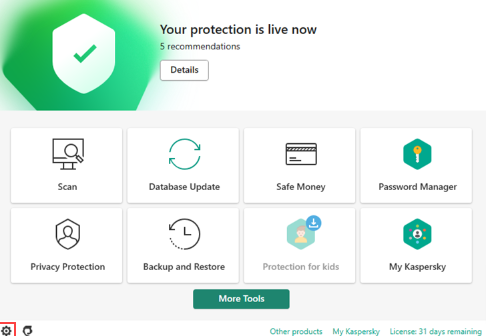
Kaspersky was banned from US government systems and pulled from US retail in 2024. If you’re still running it, here are the best replacement antivirus options with comparable detection rates and pricing.


Antivirus software detects, blocks, and removes malicious programs from your devices. This guide explains exactly how it works, what it protects against, and what it can’t stop on its own.