A practical guide for parents who want to protect adults, kids, credit files, online accounts, and household privacy without turning identity protection into a second job.
Quick Answer
Aura is the best identity theft protection pick for most families if you want one household plan with identity monitoring and broader digital safety tools. Choose LifeLock first if your family already uses Norton. Compare IDShield if you want to choose between one-bureau and three-bureau monitoring. Before buying anything, use the family privacy stack to confirm you are not paying for tools your household already has.
Updated May 19, 2026Pricing checked May 19, 20263 top picks, 5 providers reviewedFamily and child identity focus
Disclosure: Some links on this page may be affiliate links. Sybari may earn a commission if you buy through those links, at no extra cost to you. Recommendations are based on editorial review criteria, product fit, pricing, security features, public documentation, and buyer use cases.
Family focusedWe prioritize covered adults, kids, recovery help, and ease of use.
Pricing checkedOfficial pages reviewed May 19, 2026.
No fake ratingsNo invented scores, awards, or testing claims.
FTC contextIdentity monitoring is not a substitute for credit freezes and recovery steps.
Top Picks
Best family identity theft protection picks
Best overall
Aura
Check current family plan pricing.
Best for families that want identity monitoring, privacy alerts, recovery support, and digital safety tools in one easier package.
Strong household fit and simpler buying path.
Verify how many adults, children, and devices are covered before purchase.
Two family identity protection options worth checking
Tiered option
Identity Guard
Worth comparing if you want to study tiered identity and credit protection options, but verify which family tier includes the monitoring depth you expect.
Public family page lists up to five adults and unlimited children; still verify current terms, devices, renewal price, and included tools
Markets family identity protection with broader digital safety tools in one plan
Best value depends on whether your family will use the bundled tools
LifeLock
Norton households
Verify family tier, Norton bundle, first-year price, renewal price, and LifeLock Junior terms for children
Brand recognition, Norton bundles, and detailed tier options
More complicated plan and renewal structure
IDShield
Families comparing credit bureau coverage
Verify one-bureau vs three-bureau family monitoring and renewal terms
Clear one-bureau vs three-bureau choices
Less all-in-one digital safety positioning than Aura
Identity Guard
Larger households comparing family membership
Verify current tier names, family tier, credit monitoring depth, and which features are included
Family membership language includes multiple adults and kids on public plan page
Important features can vary by tier, so do not assume entry-level plans include full credit monitoring
Experian IdentityWorks
Families focused on Experian credit tools
Verify family plan size, trial terms, and whether the plan includes the bureau coverage you expect
Credit bureau expertise and identity insurance language
Best fit depends on whether you want Experian-centered credit protection and are comfortable with trial/renewal terms
Provider Details
Family provider notes before you choose
Aura: best all-in-one family path
Aura is the strongest first comparison for families that want identity monitoring, child protection signals, digital safety tools, and recovery help in one buying path. Its public family page currently emphasizes coverage for up to five adults and unlimited children, which makes it especially useful for larger households or families helping older relatives.
What to verify: current family member limits, device limits, included VPN/antivirus/password tools, child monitoring language, credit monitoring depth, renewal price, and insurance terms.
LifeLock: best Norton ecosystem path
LifeLock is strongest for families that already trust Norton or want identity protection bundled with Norton 360 features. Its family plan pages currently reference LifeLock Junior coverage for eligible children, but the exact plan, bundle, credit monitoring depth, and renewal price need careful review.
What to verify: family tier, Norton bundle, LifeLock Junior terms, one-bureau versus three-bureau credit monitoring, renewal price, and whether every adult needs the same level of protection.
IDShield: best for clear credit-monitoring choices
IDShield is worth comparing when your family wants a more direct decision around one-bureau versus three-bureau monitoring. It may be a better fit for parents who care less about bundled digital safety tools and more about selecting the monitoring depth that matches their budget.
What to verify: current family pricing, credit-bureau choice, recovery support, included family members, renewal terms, and how child identity monitoring is described.
Identity Guard: best for tier comparison
Identity Guard is worth comparing when your family wants a tiered identity protection model and is comfortable reading a plan grid. The main risk is assuming every tier includes the same credit and identity features.
What to verify: current tier names, whether entry-level plans include credit monitoring, which tiers include three-bureau monitoring, family member limits, and recovery support language.
Experian IdentityWorks: best for credit-focused families
Experian IdentityWorks is worth comparing if your family specifically values credit-bureau tools and Experian-centered credit visibility. It is less of an all-in-one digital safety suite than Aura or Norton/LifeLock bundles.
What to verify: trial terms, billing after trial, family plan size, whether Equifax and TransUnion monitoring are included in the selected plan, and whether the credit focus matches your family’s actual risk.
Before you pick a winner
Write down your household first: adults, children, grandparents, devices, email accounts, school accounts, gaming accounts, and whether anyone recently received a breach notice. The right provider depends on that map more than the brand name.
Child identity theft protection: what parents should understand
Child identity theft works differently from adult credit fraud. Many children do not have ordinary credit histories yet, so a clean credit report is not the only thing to watch. A child’s Social Security number can be combined with a fake birth date or different name to create a synthetic identity that may not be discovered until years later.
That is why families should look beyond generic “credit monitoring” language. For children, verify whether the plan checks Social Security number exposure, dark web exposure, public-record signals, account-opening alerts, and recovery support if a child’s information is misused.
Sybari money saver
Do not pay for child identity monitoring before checking whether a free child credit freeze is appropriate. Paid monitoring can still be useful for Social Security number exposure and recovery help, but it should supplement free protection steps, not replace them.
Recent Breach
If your family received a breach notice
If you are shopping because a school, medical office, employer, retailer, or app exposed family data, do the fast free steps first. Change reused passwords, secure the affected email account, turn on multi-factor authentication, review financial accounts, and freeze credit for adults who are not applying for new credit.
Then compare paid plans based on the breached information. If Social Security numbers were exposed, prioritize identity monitoring, child SSN monitoring, recovery help, and credit freeze guidance. If passwords were exposed, prioritize a password manager and MFA before paying for a larger identity bundle.
We evaluated public product pages, pricing pages, family plan language, child coverage signals, recovery support, credit monitoring options, identity insurance language, and FTC guidance. We did not claim hands-on recovery testing, private dashboard testing, or reimbursement testing.
For this guide, “child coverage signals” means public plan language about adding children, monitoring a child’s personal information, Social Security number exposure, dark web exposure, or account recovery help. We did not verify private dashboard workflows or test whether alerts arrive faster from one provider than another.
We also did not test claims payout speed, customer support wait times, cancellation friction, mobile app usability, or caregiver account management. Families should verify these details directly if they matter before buying.
Pricing
Family pricing notes
Pricing last checked on May 19, 2026. Current pricing may vary by plan, region, promotion, taxes, annual billing, monthly billing, and renewal date. Always check the official pricing page before buying.
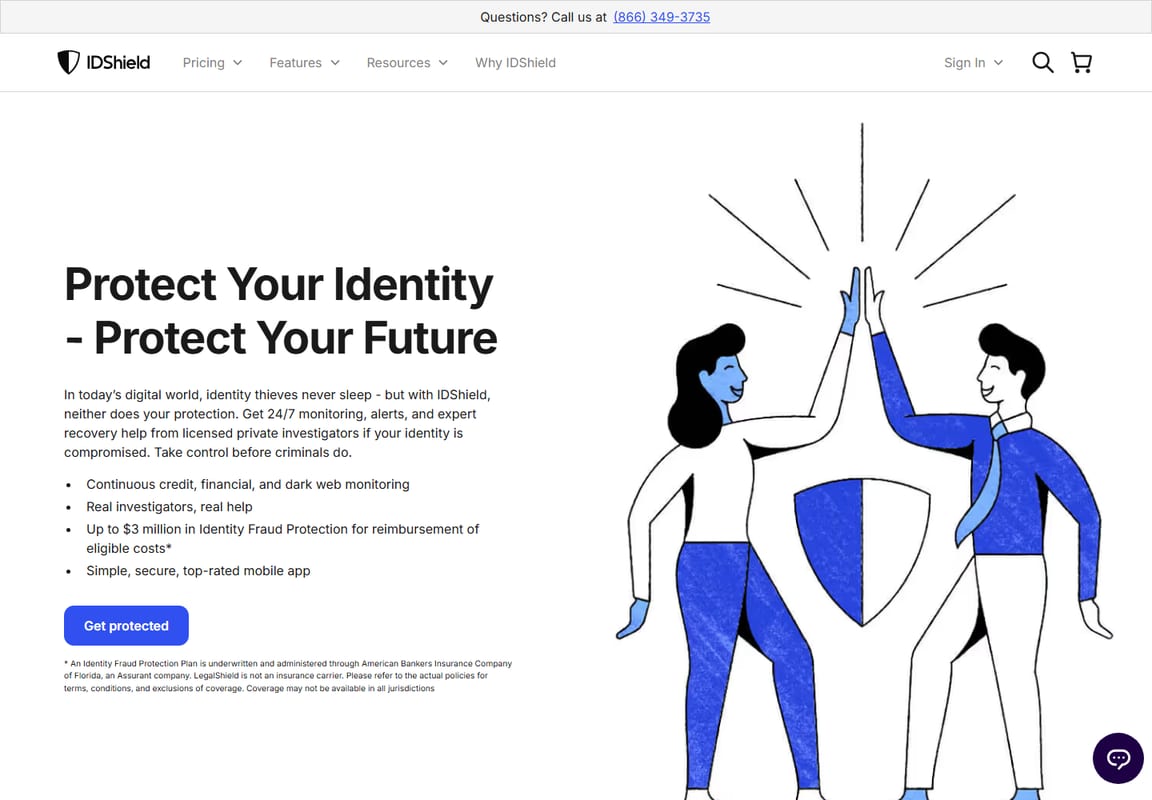
IDShield source view
IDShield family pricing
This screenshot supports the family pricing and one-bureau versus three-bureau comparison.
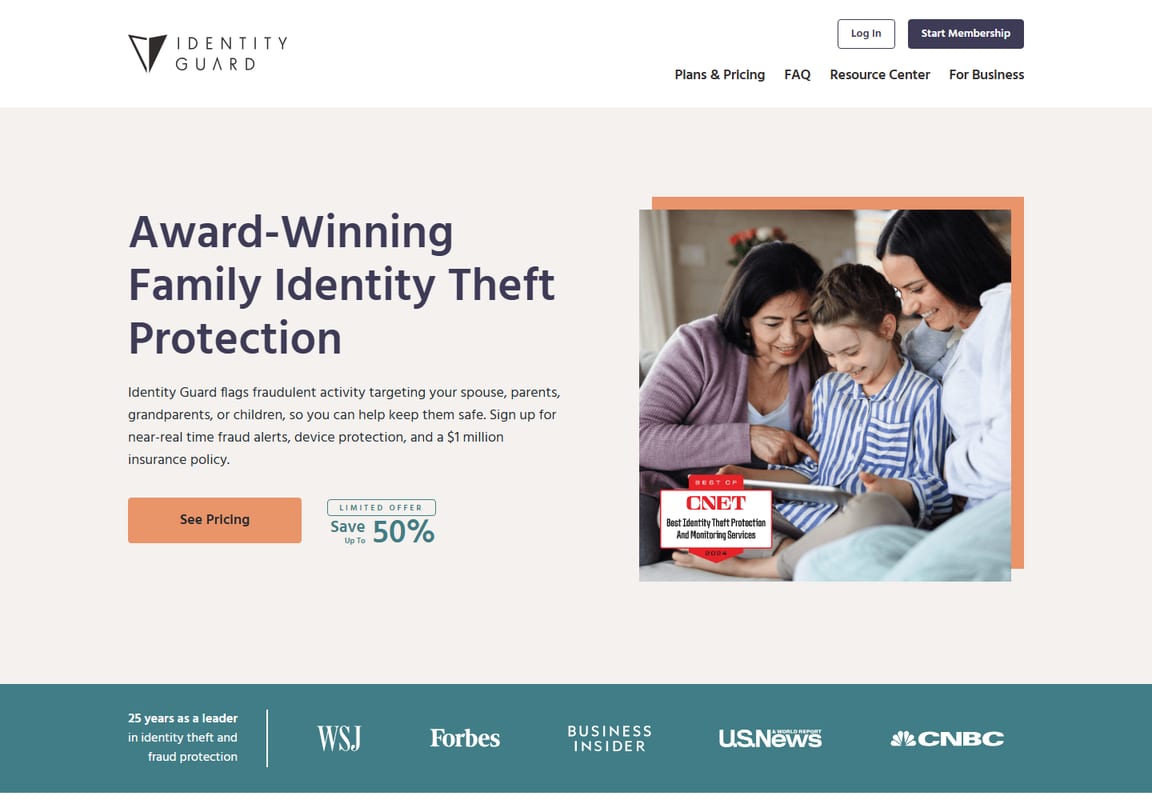
Identity Guard source view
Identity Guard family plan
This screenshot supports the Identity Guard family plan discussion.
Provider
Family pricing detail to verify
Why it matters
Aura
Covered adults, children, billing term, and included tools
Best value depends on how many household members need coverage.
LifeLock
Family tier, Norton bundle, first-year price, and renewal price
LifeLock pricing can look different across annual and monthly views.
IDShield
One-bureau vs three-bureau family monitoring
Credit monitoring depth changes the price and protection profile.
Identity Guard
Current tier names, family tier features, and credit monitoring depth
Some important features may appear only on higher tiers.
Experian IdentityWorks
Trial terms, payment information requirements, and monthly billing after trial
Some trials may auto-renew if not canceled, so save the renewal date.
Buying Checklist
Family plan checklist: what to verify before buying
Question
Why parents should ask it
How many adults are covered?
Some families need coverage for two parents, a caregiver, or an adult child.
How many children are covered, and are there age limits?
“Family plan” does not always mean the same thing across providers.
What monitoring do children actually receive?
Children may need Social Security number and dark web monitoring more than ordinary credit monitoring.
Do adults get one-bureau or three-bureau credit monitoring?
Credit monitoring depth can change by tier and price.
What happens after the first billing term?
Promotional pricing, annual billing, trial billing, and renewal pricing can change the real cost.
Can parents manage alerts from one account?
One dashboard can matter if parents need to manage alerts for multiple kids.
Feature Matrix
Family features that actually matter
Feature
Why families need it
Providers to check first
Buying advice
Child identity monitoring
Kids can have clean credit files that are abused for years before detection.
Verify whether children are included, how many are covered, and whether the plan checks Social Security number exposure, dark web exposure, or public-record signals.
Prefer three-bureau coverage for adults when budget allows.
Recovery support
Parents need help if accounts, cards, taxes, or benefits are affected.
All five providers
Read what recovery specialists actually help with.
Insurance or reimbursement
Can help with eligible expenses, but terms matter.
All five providers
Read policy limits, exclusions, and per-adult language.
Digital safety tools
Family risk includes passwords, devices, phishing, and privacy exposure.
Aura and LifeLock/Norton first
Choose bundled tools only if your family will use them.
Parent account management
Parents need a practical way to add family members, review alerts, and update household details.
All five providers
Verify whether alerts, children, and plan changes can be managed from one account or dashboard.
What To Skip
What should families skip?
Skip plans that do not fit your actual household
Do not assume every “family” plan covers the same number of adults, children, or devices. Verify household limits before choosing the lowest price.
Skip entry tiers if you need broader adult credit monitoring
If financial fraud is the main concern, verify whether adults receive one-bureau or three-bureau credit monitoring before buying.
Skip relying only on paid credit locks
Credit locks inside paid apps can be convenient, but they are not the same as free credit freezes placed directly with the major credit bureaus. Families should understand both before paying for monitoring.
Skip bundles your family will not use
A bundled plan is only a good value if your family will actually use the included VPN, antivirus, password manager, recovery support, or monitoring tools.
Skip paying twice for tools you already have
Before buying a family identity plan, check what your bank, credit card, employer, password manager, antivirus suite, or mobile carrier already provides. Free or included monitoring may not be enough, but it should affect what you pay for next.
Skip child monitoring that does not explain what it monitors
For children, ordinary credit monitoring may not tell the whole story. Look for clear language around Social Security number exposure, dark web exposure, synthetic identity risk, and recovery help.
Decision Support
Quick match guide
Most families
Start with Aura because it has the cleanest family-first buying path.
Compare IDShield and Identity Guard after deciding whether you need one-bureau or three-bureau credit monitoring and which family tier fits your household.
Freeze credit for adults who are not actively applying for credit.
Check whether each child has a credit file and freeze it if appropriate.
Use a password manager for parent accounts, banking, email, and school portals.
Turn on multi-factor authentication for email, banking, Apple, Google, and mobile carrier accounts.
Pick one identity theft protection service and add every covered family member correctly.
Set a calendar reminder 30 days before renewal so first-year pricing, trial terms, or annual billing do not surprise you.
Save recovery instructions for IdentityTheft.gov, banks, credit bureaus, and local police reports if needed.
Final Recommendation
Final recommendation for families
Buy Aura first if your family wants the simplest household identity protection path with broader digital safety tools included. Compare LifeLock first if your family already uses Norton or wants a more tiered identity protection setup. Compare IDShield if choosing between one-bureau and three-bureau monitoring is your main decision. Compare Identity Guard and Experian IdentityWorks if your family wants to study tiered credit-focused options before choosing.
If you are still unsure, do the free basics first: freeze credit where appropriate, secure parent email accounts, use strong passwords, and make a family recovery plan. Paid monitoring is most useful when it fits your household and you will actually respond to alerts.
Sybari creates plain-English cybersecurity buying guides for families, seniors, creators, students, and small businesses. This article is based on public documentation, official pricing pages, FTC consumer guidance, and buyer-fit analysis. David Durden publishes Sybari’s consumer privacy and cybersecurity buying guidance for non-technical households.
What is the best identity theft protection for families?
Aura is the best starting point for most families because it offers a simpler family-first protection model. Families should still compare LifeLock, IDShield, Identity Guard, and Experian based on household size, credit monitoring needs, and renewal pricing.
Do kids need identity theft protection?
Children can be identity theft targets because their credit files may go unchecked for years. Parents should consider credit freezes, careful document storage, and monitoring when a child’s information has been exposed.
Is identity theft insurance enough for a family?
No. Insurance or reimbursement benefits can help with eligible costs, but families still need credit freezes, strong passwords, multi-factor authentication, and a recovery plan.
How many kids can I add to a family identity theft protection plan?
It varies by provider and plan. Before buying, verify how many children are covered, whether there are age limits, and what monitoring each child actually receives.
Can I manage my child’s identity alerts from my account?
Some family plans are easier to manage than others. Parents should verify whether alerts, children, adults, and billing can be managed from one dashboard before purchase.
Is a credit freeze better than identity theft protection for kids?
A credit freeze is a strong free protection when a child has a credit file, but identity theft protection may add monitoring for Social Security number exposure, dark web exposure, and recovery support. Families often need both prevention steps and monitoring.
Should families choose the cheapest identity theft plan?
Not automatically. The cheapest plan may monitor fewer credit bureaus, cover fewer people, include fewer recovery benefits, or renew at a higher price after the first term.
What is synthetic identity theft?
Synthetic identity theft happens when a criminal combines real personal information, such as a child’s Social Security number, with fake details to create a new identity. It can be difficult to spot because a child may not normally have active credit accounts.
What should families do after a data breach notice?
Change reused passwords, secure affected email accounts, turn on multi-factor authentication, review financial accounts, freeze credit when appropriate, and compare paid monitoring if Social Security numbers or other sensitive data were exposed.
Should I cancel my separate VPN or antivirus after buying a family identity plan?
Not automatically. Compare the included tools with what your family already uses. If the bundled tool is good enough and your family will switch, you may reduce overlap. If the standalone tool is better, keep it and treat the bundle as less valuable.
Can grandparents or other adults be added to a family identity plan?
It depends on the provider and current family plan terms. Before buying, verify how many adults can be covered, whether they need to live in the same household, and whether each adult receives separate alerts or account access.
David Durden is a cybersecurity analyst and lead reviewer at Sybari.com with 12+ years of experience testing VPNs, antivirus, and SMB security tools. He focuses on real-world performance, not vendor claims, using hands-on testing across devices and networks to find what actually works.
Compare the best antivirus for families, including Bitdefender, Norton, Malwarebytes, and built-in protection, with guidance on device risk, gaming downloads, pricing, and what to skip.
Compare identity theft protection for seniors and caregivers with plain-English guidance on recovery help, alert clarity, renewal pricing, free protections, and what to skip.