Senior Privacy Essentials: What Older Adults Should Set Up First
A practical, non-technical privacy and security checklist for seniors and caregivers who want to reduce identity theft, scam, account takeover, and data exposure risks.
Quick Answer
The best senior privacy setup starts with credit freezes, email protection, a password manager, phone scam rules, and a simple recovery plan. Paid services like Aura or LifeLock can help, but they work best after the free foundations are in place.
Updated May 19, 2026Senior and caregiver guideIdentity, accounts, phone, privacyNo scare tactics
Disclosure: Some links on this page may be affiliate links. Sybari may earn a commission if you buy through those links, at no extra cost to you. Recommendations are based on editorial review criteria, product fit, pricing, security features, public documentation, and buyer use cases.
Senior-firstPrioritizes simple steps over technical tools.
Free steps includedPaid products are not treated as the only answer.
Caregiver friendlyBuilt for older adults and trusted helpers.
FTC alignedRecovery guidance points back to official resources.
Essentials
The senior privacy stack
Step 1
Freeze credit
A credit freeze helps prevent new credit accounts from being opened in a senior’s name. It is free and should be one of the first steps for anyone not actively applying for credit.
Strong free protection against new-account fraud.
Must be managed at each bureau and temporarily lifted when needed.
Step 2
Protect email and passwords
Email is the reset key for banks, Medicare, Social Security, mobile carriers, and shopping accounts. Use unique passwords and multi-factor authentication.
Reduces account takeover risk.
Requires setup help for some seniors.
Step 3
Add monitoring and recovery help
Identity theft protection can add alerts, recovery support, and insurance benefits, but it should supplement basic protections.
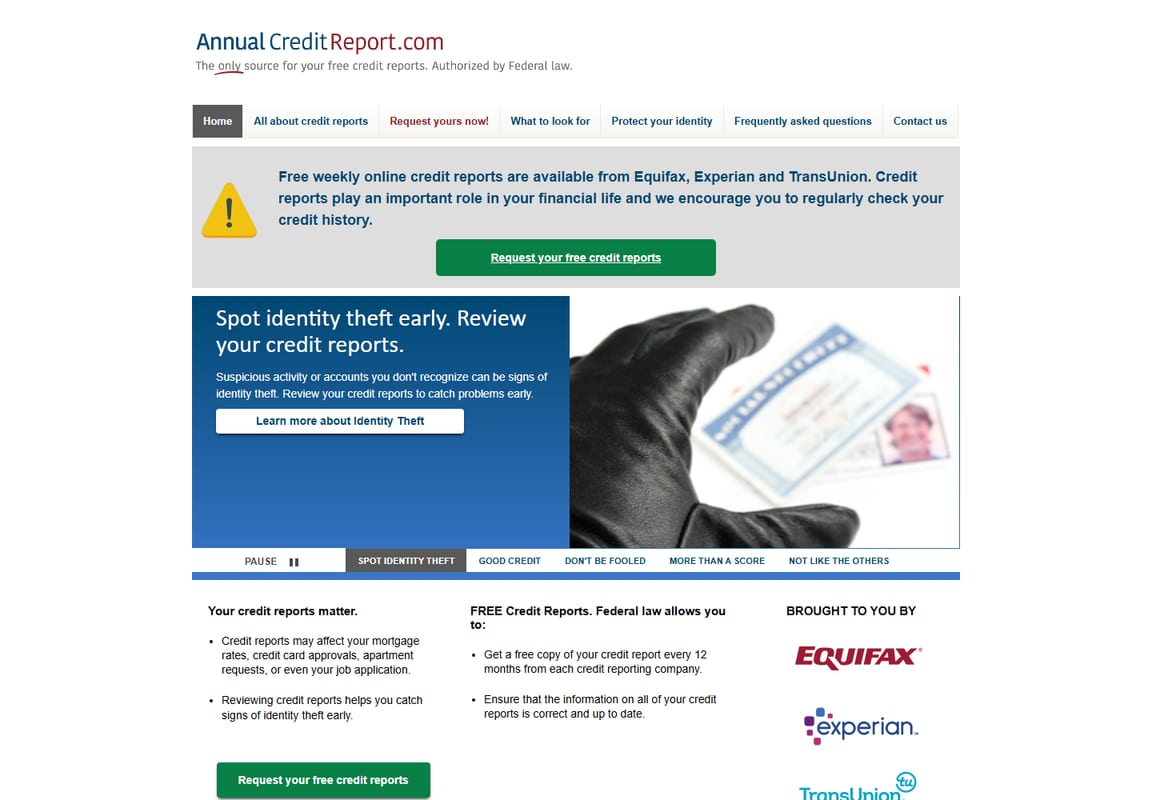
This official source supports the recommendation to review credit reports as part of a senior privacy setup.
Priority
Risk
Best first move
Paid tool worth considering
1
New credit accounts opened by fraudsters
Freeze credit at all three bureaus
Identity theft monitoring
2
Email account takeover
Unique password and multi-factor authentication
Password manager
3
Phone scams and fake support calls
Call-back rule using official numbers
Spam call protection
4
Public personal information exposure
Limit what is shared online
Data removal service
5
Device malware and fake downloads
Keep devices updated
Reputable antivirus or security suite
Credit freezes are managed separately at each bureau and can usually be temporarily lifted when legitimate credit is needed. Save confirmation details, PINs, passwords, or account recovery information in a secure place so the freeze can be lifted later.
Free First Step
How to freeze credit for a senior
Sybari warning: do not pay to freeze credit
A credit freeze is free. Credit bureaus may also offer paid products or credit locks, but a free security freeze is the baseline step seniors and caregivers should understand first.
Freeze the senior’s credit separately at Equifax, Experian, and TransUnion.
Use the official bureau freeze pages, not ads or lookalike sites.
Complete identity verification with the senior’s consent and current personal details.
Save confirmation numbers, PINs, passwords, and recovery details in a password manager or locked paper file.
Temporarily lift the freeze only when applying for legitimate credit, housing, loans, or other services that need a credit check.
How to protect email without overwhelming the senior
Email is the master key for password resets. Start with the senior’s main email account before trying to fix every login at once.
Change the email password to a unique password that is not used anywhere else.
Turn on multi-factor authentication, also called two-step verification, two-factor authentication, or login codes.
Save backup recovery codes in a secure location in case the phone is lost or changed.
Add a trusted recovery email or phone number if the provider supports it.
After email is secure, update banking, Medicare, Social Security, mobile carrier, and investment accounts.
Caregiver note
Do not turn on multi-factor authentication without a recovery plan. If the senior changes phones, loses access, or cannot receive codes, account recovery can become stressful.
Phone Safety
The call-back rule for seniors
The safest script is simple: “I do not handle urgent requests on incoming calls. I will call back using the official number.” Then use the number printed on a bank card, Medicare card, statement, or official government website.
If the caller says…
Senior-safe response
“This is Medicare. We need to verify your number.”
“I will call Medicare back using the official number on my card.”
“This is Social Security. Your number has been suspended.”
“I will hang up and contact Social Security through an official channel.”
“This is your bank. Move money now.”
“I will call the number on my bank card or statement.”
“This is tech support. Your computer has a virus.”
“I did not request support. I am hanging up.”
“A family member is in trouble. Send money now.”
“I will call that family member or another trusted person first.”
On smartphones, caregivers can also help review built-in options that silence unknown callers, filter suspected spam, or screen calls. These settings vary by phone and carrier, so test them carefully before relying on them.
Recommended Tools
Tools worth considering for seniors
Identity
Aura or LifeLock
Use identity theft protection when alerts, recovery help, and household support are worth the subscription cost.
Start with the free steps above first. Paid monitoring is most useful when the senior or caregiver will actually review alerts and use recovery support.
Freeze credit at Equifax, Experian, and TransUnion.
Save login recovery details for email, phone carrier, banks, Medicare, Social Security, and investment accounts.
Set a PIN or passcode with the mobile carrier to reduce SIM swap risk.
Secure My Social Security and Medicare accounts with strong passwords and multi-factor authentication when available.
Install a password manager and replace reused passwords.
Turn on multi-factor authentication for email and financial accounts.
Set a household rule: never act on urgent money requests without calling a trusted person first.
Enable phone spam filtering and teach the call-back rule.
Choose identity theft protection if monitoring and recovery help are worth the ongoing cost.
Save IdentityTheft.gov as the official recovery starting point.
What To Skip
What should seniors skip first?
Skip paid monitoring before credit freezes
Credit freezes are free and can reduce new-account fraud risk. Paid monitoring should come after the freeze basics are handled.
Skip standalone tools that overlap with better basics
Do not buy a separate app for every fear. First handle credit freezes, email security, phone scam rules, device updates, and account recovery.
Skip relying only on caller ID
Scammers can spoof phone numbers. The call-back rule is safer than trusting what appears on the screen.
Skip hiding all password information from caregivers
If a senior wants caregiver help, create a respectful recovery plan. A password manager with emergency access or a locked recovery sheet is safer than scattered notes.
Emergency Plan
What to do if a senior has been scammed
If money was sent or card information was shared, contact the bank or card issuer immediately.
Change passwords for any account that may have been exposed, starting with email and banking.
Write down what happened, including date, time, phone number, website, amount, and what information was shared.
Report identity theft through IdentityTheft.gov if personal information was misused.
Report scams and fraud to the FTC through ReportFraud.ftc.gov.
If Medicare information was involved, report suspected Medicare fraud through official Medicare or CMS channels.
If Social Security benefits or SSA impersonation were involved, report through the Social Security Office of the Inspector General.
Tell a trusted family member or caregiver so the senior does not have to handle recovery alone.
Common Mistakes
Common senior privacy mistakes
Paying for Monitoring Before Freezing Credit
Monitoring can tell you something happened. A credit freeze can help stop certain new-account fraud before it starts.
Using One Password Everywhere
One reused password can expose email, banking, shopping, and healthcare accounts. Fix email and banking passwords first.
Trusting Caller ID
Scammers can spoof names and numbers. Seniors should hang up and call the official number printed on a card, statement, or government website.
Sharing Verification Codes Over the Phone
No legitimate caller should pressure a senior to read a one-time login code, bank code, or password reset code over the phone.
Ignoring Medicare or Insurance Statements
Medical identity theft may show up as services, equipment, or claims the senior never received. Review Medicare Summary Notices or insurance explanation-of-benefits statements.
Trying to Fix Every Password in One Day
Start with email, banking, Medicare, Social Security, and the mobile carrier. Changing everything at once can overwhelm the senior and caregiver.
Caregiver Notes
How caregivers can help without taking over
The best caregiver setup is respectful and documented. Help the senior create a password manager, recovery plan, and trusted contact process. Avoid storing passwords in notes apps, shared spreadsheets, or paper lists that are easy to lose.
If a password manager is realistic, look for emergency access or trusted sharing options so a caregiver can help during a crisis without knowing every password day to day. If a physical backup is absolutely necessary for an offline senior, keep it locked away, do not label it “passwords,” and do not leave it where visitors can see it.
Caregivers should also document official phone numbers, account recovery steps, mobile carrier PINs, credit freeze recovery details, and who is allowed to help if the senior is overwhelmed.
Final Recommendation
Start with the free protections, then add paid monitoring
For most seniors, the right order is credit freezes, email security, mobile carrier protection, password manager, multi-factor authentication, scam call rules, and then identity theft protection if alerts and recovery help are worth the cost.
If budget is tight, the free protections still matter. Paid monitoring is most useful when the senior or caregiver wants proactive alerts, recovery support, and a clearer next step after suspicious activity appears.
Reviewed by Sybari
Sybari helps seniors, caregivers, and families make practical cybersecurity decisions without technical confusion. This guide focuses on high-impact steps and avoids guaranteed prevention claims.
Recommendations are based on FTC identity theft guidance, IdentityTheft.gov, ReportFraud.gov guidance, AnnualCreditReport.com, official credit bureau freeze pages, CMS Medicare fraud guidance, SSA OIG fraud reporting guidance, and public product pages reviewed for this May 2026 update.
FAQ
Senior privacy essentials FAQ
What is the first privacy step seniors should take?
For many seniors, the first step is freezing credit at all three major credit bureaus, then securing email and bank accounts with strong passwords and multi-factor authentication.
Do seniors need identity theft protection?
Some seniors benefit from identity theft protection, especially if they want alerts and recovery support. It should supplement free protections like credit freezes and careful account security.
What should caregivers help with first?
Caregivers should help organize account recovery, freeze credit, secure email, set up a password manager, and create a simple scam call response plan.
How do seniors freeze their credit?
Seniors or caregivers should place separate free freezes at Equifax, Experian, and TransUnion, then save the login, PIN, password, or confirmation details securely so the freeze can be lifted later if needed.
Does freezing credit stop all identity theft?
No. A credit freeze can help block new credit accounts, but it does not stop existing account takeover, Medicare fraud, phone scams, romance scams, or fake tech support calls.
How should seniors protect themselves from phone scams?
Use the call-back rule: hang up and call the official number from a card, statement, or government website. Do not trust caller ID, urgent threats, or requests for gift cards, wire transfers, cryptocurrency, passwords, or verification codes.
What if a senior cannot use a password manager?
Start with the most important accounts first: email, banking, Medicare, Social Security, and mobile carrier. If an offline backup is needed, keep it locked away and never label it in a way that exposes it to visitors.
What should a caregiver do if a senior is scammed?
Contact affected banks or card issuers, change exposed passwords, document what happened, report identity theft through IdentityTheft.gov when appropriate, report scams through ReportFraud.gov, and use official Medicare or Social Security fraud channels if those accounts were involved.
David Durden is a cybersecurity analyst and lead reviewer at Sybari.com with 12+ years of experience testing VPNs, antivirus, and SMB security tools. He focuses on real-world performance, not vendor claims, using hands-on testing across devices and networks to find what actually works.
Compare antivirus options for seniors, including Windows Security, Norton, Bitdefender, and Malwarebytes. Learn when paid protection helps and what to skip.
Compare the best identity theft protection for families, including Aura, LifeLock, IDShield, Identity Guard, and Experian, with plain-English guidance on child monitoring, family plans, pricing, and what to skip.
Compare the best password managers for families, including 1Password, Bitwarden, Keeper, Apple Passwords, and Google Password Manager, with plain-English guidance on what to share, keep private, and skip.
Compare identity theft protection for seniors and caregivers with plain-English guidance on recovery help, alert clarity, renewal pricing, free protections, and what to skip.